Driver violation alerts are worthless if nobody sees them in time. Many tracking systems send an in-app notification that gets lost among dozens of daily notifications, so the violation shows up in a weekly report after the risk has already happened. The smart monitor on Afaq Platform takes a different approach to the driver alert system: the important violation reaches the responsible person immediately, through the channel they actually pay attention to. This guide explains how it works, who receives what, which violations can be monitored and how to set rules so your driver alert system does not become noise.
محتويات المقال
Why App Notifications Are Not Enough for Driver Violation Alerts
- Too many notifications: when every small event becomes a notification, the team learns to ignore them all, including the important ones.
- Slow response: a supervisor may not open the app for hours, while a dangerous violation needs action within minutes.
- No ownership: a notification sent to everyone is owned by no one.
- The driver is the last to know: in most systems the driver only learns about a violation when the report is reviewed.
- No record of the response: after an incident you cannot tell whether the alert arrived or who ignored it, which makes procedures hard to improve.
How the Smart Monitor Driver Alert System Works
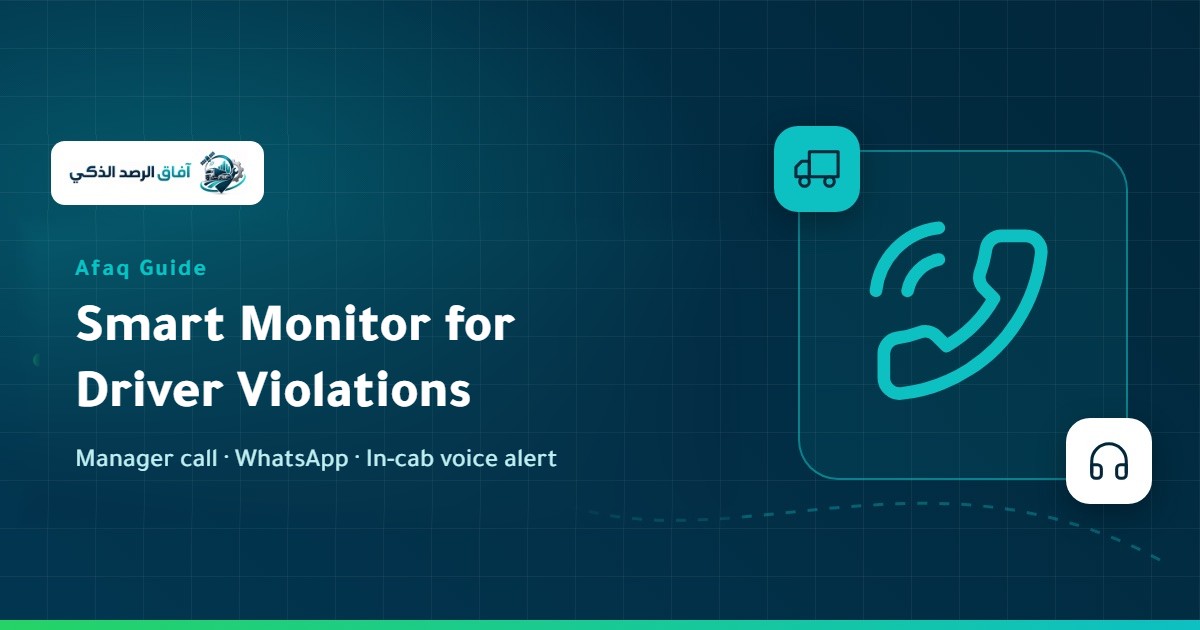
The smart monitor, the core of the Afaq driver alert system, follows every trip in real time and compares it with the work plan and the rules you set: allowed speed, approved route, geofences and operating hours. When a violation occurs, it acts within seconds in three parallel steps: it gives the driver a voice alert inside the vehicle, calls the manager by phone, and sends the supervisor a WhatsApp message with the vehicle, the violation type and the time. The response is recorded on the platform so you know who acted and when, and if the manager does not answer, the call can be escalated automatically to a backup person according to an escalation rule.
Who Receives What?
In this driver alert system, each recipient gets a different channel:
| Recipient | Channel | Why |
|---|---|---|
| Manager | Immediate phone call | For critical violations that need a decision now |
| Supervisor | WhatsApp message | For follow-up, documentation and contact with the driver |
| Driver | In-cab voice alert | To correct immediately without touching the phone |
In-Cab Voice Alerts: Why in the Vehicle and Not on the Phone?
The World Health Organization lists speeding and distraction from mobile phones among the main risk factors for road traffic crashes. That is why we do not send messages or calls to the driver’s phone while driving; that would distract them and increase the very risk we are trying to prevent. The alternative is an in-cab voice alert: a short, clear message such as “Slow down, you are over the speed limit” or “You have left the approved route, return to the route”. This driver alert system requires a tracker or camera that supports audio output inside the cab.
Which Violations Do Driver Violation Alerts Cover?
- Speeding: by each road’s limit or a limit you set for each vehicle type.
- Leaving the route or geofence: such as entering a restricted area or leaving the approved route.
- Harsh driving: harsh braking, acceleration and cornering.
- Out-of-hours use: or stops at places not included in the plan.
- Long idling: leaving the engine running while the vehicle is stopped.
- Fatigue and distraction: such as phone use or signs of drowsiness, when a driver monitoring (DMS) camera is installed.
The violations available depend on the tracker, the installed camera and the vehicle data, so we define them with you before choosing devices. To see what cameras add, read our guide to the AI dash cam for trucks.
How to Set Rules So Alerts Do Not Become Noise
A successful driver alert system depends on classifying violations before switching them on. We suggest three levels:
- Critical: worth an immediate call to the manager, such as very high speed or leaving the route of a sensitive load.
- Medium: a WhatsApp message to the supervisor and a voice alert to the driver are enough, such as slight speeding or a harsh brake.
- Low: shown only in the daily report, such as short idling.
Add a time tolerance before an alert fires, set the hours when the manager can be called, and add an escalation rule if the supervisor does not respond within a set time. Then review the rules monthly: if an alert keeps firing without value, adjust it or move it to the report, so driver violation alerts stay meaningful.
Practical Examples From the Field
- A truck on a highway: the driver exceeded the limit by a wide margin. They immediately hear a voice alert to slow down, the manager receives a call because the violation is classed as critical, and the supervisor gets a WhatsApp message to document it.
- A delivery vehicle in the city: it left the approved route. The driver hears an alert to return to the route and the supervisor follows up on WhatsApp, without disturbing the manager.
- A long night trip: the driver monitoring camera detects signs of drowsiness. The voice alert sounds, and the supervisor calls the driver to stop and rest at the nearest safe point.
In all three cases, driver violation alerts reach the right person through the right channel, and each violation keeps a clear record on the platform.
Privacy and Driver Trust
The system works when drivers understand and trust it. Write a clear policy that explains what is monitored and why, link monitoring to working hours and company vehicles, and define who may access recordings and reports. When communicating with drivers, focus on the goal: their safety and road safety, not catching mistakes.
AI Reports: From Alert to Improvement
An instant alert handles the moment; a report handles the cause. Afaq Platform summarizes events in reports that show the drivers and vehicles with the most violations and the times and roads where violations repeat, so you can base training and decisions on them. It can also highlight compliant drivers so you can reward them, because the aim is better behavior, not just penalties. Monthly comparison then shows the impact of driver violation alerts and training: have critical violations really fallen, or do the rules need adjusting?
Steps to Roll Out the Driver Alert System in Your Fleet
- Define the work plan and rules: speeds, routes, geofences and operating hours.
- Choose the devices: a tracker that supports voice alerts, and a driver monitoring camera if you need fatigue and distraction detection.
- Set the recipients and channels for each violation level.
- Inform drivers of the policy in advance and explain what they will hear and why.
- Pilot the system on a few vehicles, then adjust the rules before rollout.
- Review violation reports weekly and follow the effect of driver training.
Frequently Asked Questions
Can the hours for calling the manager be limited?
Yes. Alert rules are set by violation type, time and recipient, and out-of-hours calls can be routed to an on-duty supervisor.
What does the driver hear?
A short voice alert inside the vehicle explaining the violation, such as speeding or leaving the route. It needs a device or camera that supports audio.
Does it work with existing vehicles?
Yes, by installing a tracker and, if needed, a camera. We define what is required once we know which violations you want to monitor.
Do driver violation alerts replace driver behavior monitoring?
They are part of it. Alerts handle the violation as it happens, while driver behavior monitoring covers scoring, reports and training over the long term.
What is the difference between the smart monitor and an ordinary dash cam?
An ordinary dash cam records what happens for later review, while the smart monitor acts at the moment of the violation: it alerts the driver, calls the responsible person and records the response. It can also work with cameras to add fatigue and distraction detection.
Can driver violation alerts be linked to company systems?
Yes. Through integrations, violations can be sent to HR systems, Odoo or the call center to follow up and document actions, as explained in our guide to fleet management API integration.
How Afaq Alrasd Aldhki Can Help
We configure the smart monitor rules and calls for your fleet, install the trackers and cameras needed, and connect alerts to WhatsApp and the responsible manager, so your driver alert system fits the way you operate. Explore our driver behavior monitoring solutions, read our Howen dashcam review, or request a demo.