Track Heavy Equipment and Monitor Operations Across Construction Sites
Monitor heavy-equipment locations, review movement history, and access available engine-hour and fuel data through tracking solutions suited to field operations. Help your team improve equipment visibility and supervision across multiple project sites.
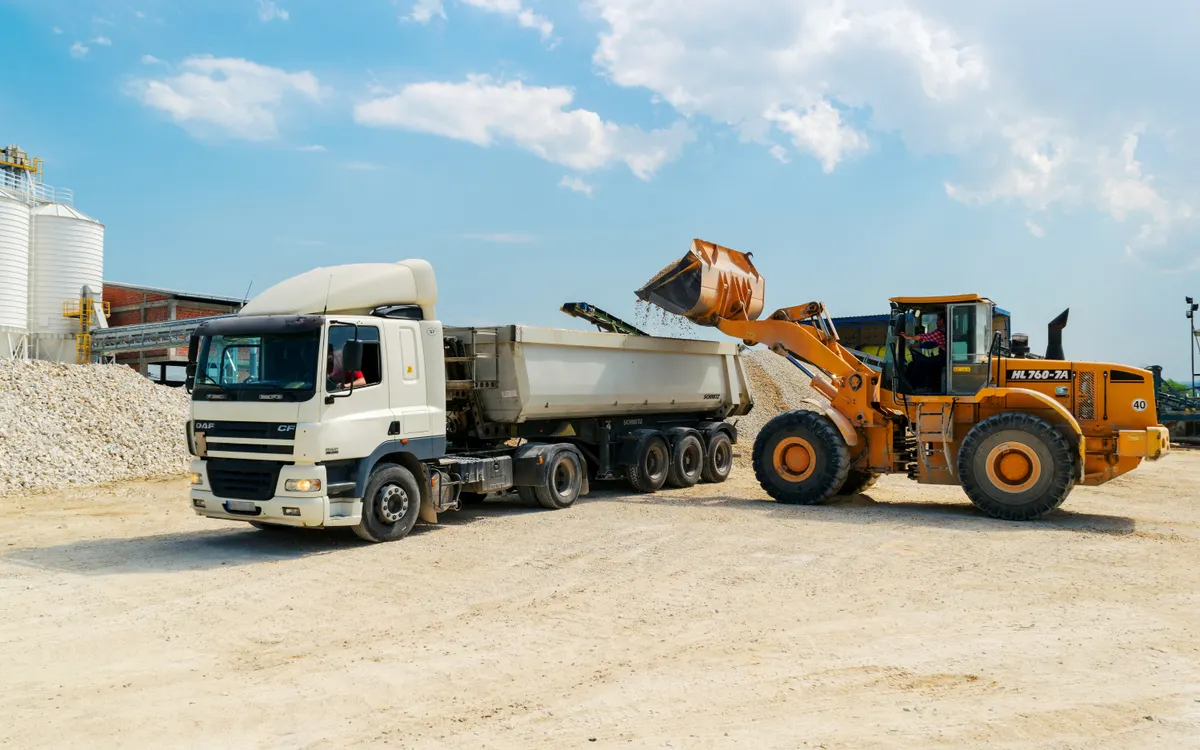
Heavy-Equipment Management Challenges
Everyday challenges for construction and equipment-management teams. GPS alone does not solve all of them, but it provides information that helps follow them up.
Equipment across several sites
Knowing where equipment distributed across several sites is located.
Moves between projects
Reviewing equipment movement between project locations.
Machine operating time
Understanding how long machinery has been operating, when supported.
Fuel data
Monitoring available fuel-level or consumption data.
Unexpected movement
Identifying unexpected movement outside defined operating areas.
Off-road equipment
Managing mobile equipment that is not always used on public roads.
Availability and utilization
Coordinating equipment availability and utilization information.
Before inspections
Reviewing equipment activity before planning inspections or maintenance.
Solutions for Different Types of Equipment
Device selection differs between powered machinery, stationary equipment, trailers and battery-operated assets.
Excavators and earthmoving machinery
Track equipment location and review available movement records.
Cranes and lifting equipment
Monitor location and movement where the selected tracking solution is suitable.
Generators and stationary equipment
Monitor location and supported operating data where appropriate hardware is installed.
Bulldozers and loaders
Track mobile construction machinery across project sites.
Trailers and transportable equipment
Review the movement and location of tracked trailers and mobile assets.
Rental equipment
Improve visibility over equipment distributed among sites and operating teams.
Road construction equipment
Monitor equipment location and available activity records.
Unpowered or battery-powered assets
Use suitable battery-powered asset trackers where the deployment requirements allow.
How Does Equipment Tracking Work?
Four steps that start with understanding your equipment and how it operates.
Assess the equipment
Assess the equipment types, power sources, operating locations and monitoring requirements.
Select the devices
Select suitable GPS tracking devices, asset trackers and any necessary sensors.
Install and configure
Install and configure the supported location, movement, operating-data and alert features.
Review and follow up
Review available data through the monitoring platform and use it for operational follow-up.
Features are selected according to equipment compatibility and installation requirements.
Know Where Your Equipment Is and How It Moves
GPS and asset tracking can support project teams in:
- Viewing the latest available equipment location.
- Reviewing recorded movement history.
- Monitoring equipment movement between project sites.
- Defining geographic areas for relevant equipment.
- Identifying entry or exit events where supported and configured.
- Reviewing available trip or activity records.
Please note: location updates depend on device configuration, power, connectivity and platform capabilities. Tracking does not mean uninterrupted real-time connectivity or automatic detection of equipment theft.
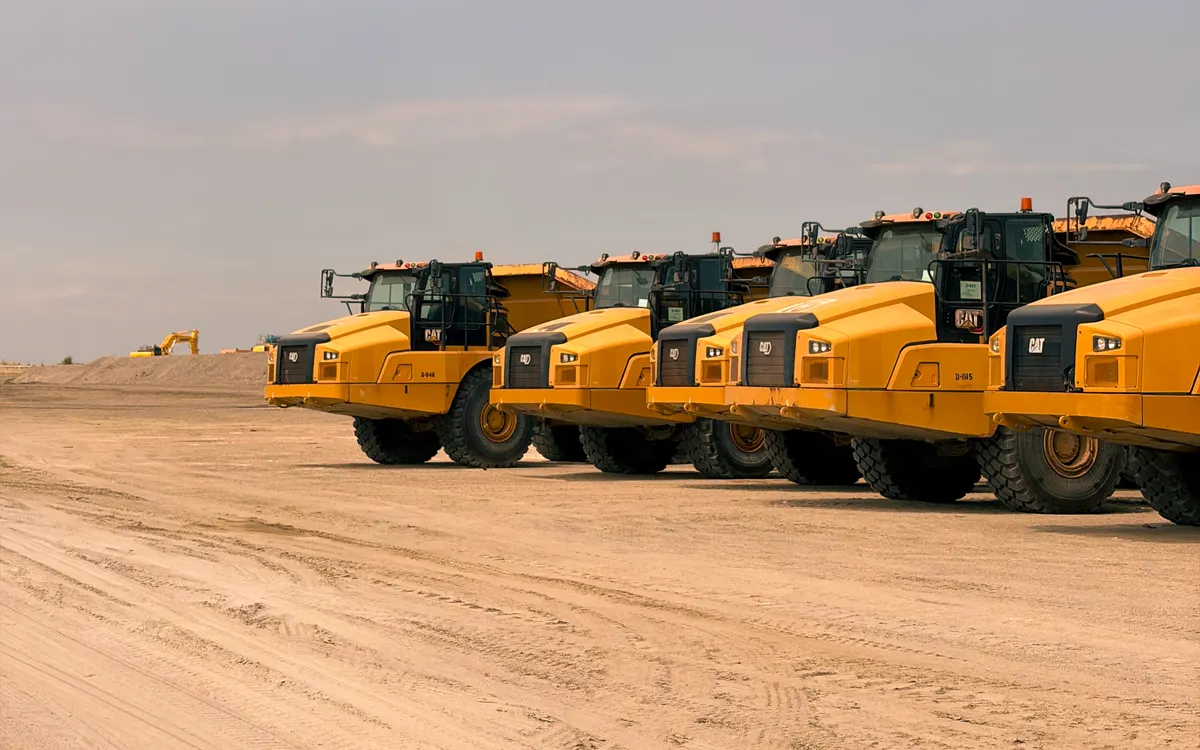
Monitor Engine Hours and Operating Activity
Engine-hour and operating data can help equipment-management teams understand machinery usage by:
- Reviewing engine-hour information where supported.
- Viewing ignition or engine-status events where available.
- Comparing available usage records across equipment.
- Supporting planning for inspections and preventive maintenance.
- Reviewing operating patterns for equipment assigned to different sites.
Please note: engine hours must come from a compatible machine signal, device feature or suitable sensor. Ignition status is not automatically equivalent to actual engine operation in every installation, and the platform cannot calculate reliable engine hours without suitable data. This does not include automated maintenance scheduling.
Fuel Monitoring for Heavy Equipment
Fuel monitoring can add operational visibility for compatible machinery; the method depends on machine compatibility and the signals available.
Supported machine connection
Read available fuel data through a supported vehicle connection.
Fuel-tank sensor
Use a suitable fuel-tank sensor where required.
Level and consumption readings
Review available fuel-level or consumption readings.
Comparing machinery
Compare records across tracked machinery where the platform supports it.
An input for review
Use fuel information as one input for operational review.
Please note: not every excavator, crane, generator or bulldozer supports CAN Bus fuel information. The method depends on machine compatibility, available signals, sensor installation, calibration and platform configuration, and not every decrease in a fuel reading proves theft.
Monitor Equipment Movement Beyond Approved Areas
Supported monitoring features can help equipment managers review unexpected movement by:
- Defining geographic areas around projects or equipment yards.
- Monitoring entry and exit events where supported.
- Reviewing unexpected movement outside intended operating areas.
- Using supported power-disconnection or tamper alerts.
- Reviewing available event details before taking action.
Please note: only the features available through the selected tracker, sensors and monitoring platform are used. Geofences and security alerts support supervision but do not guarantee that theft will be prevented or equipment recovered.
The interface shown is illustrative and does not display real data.
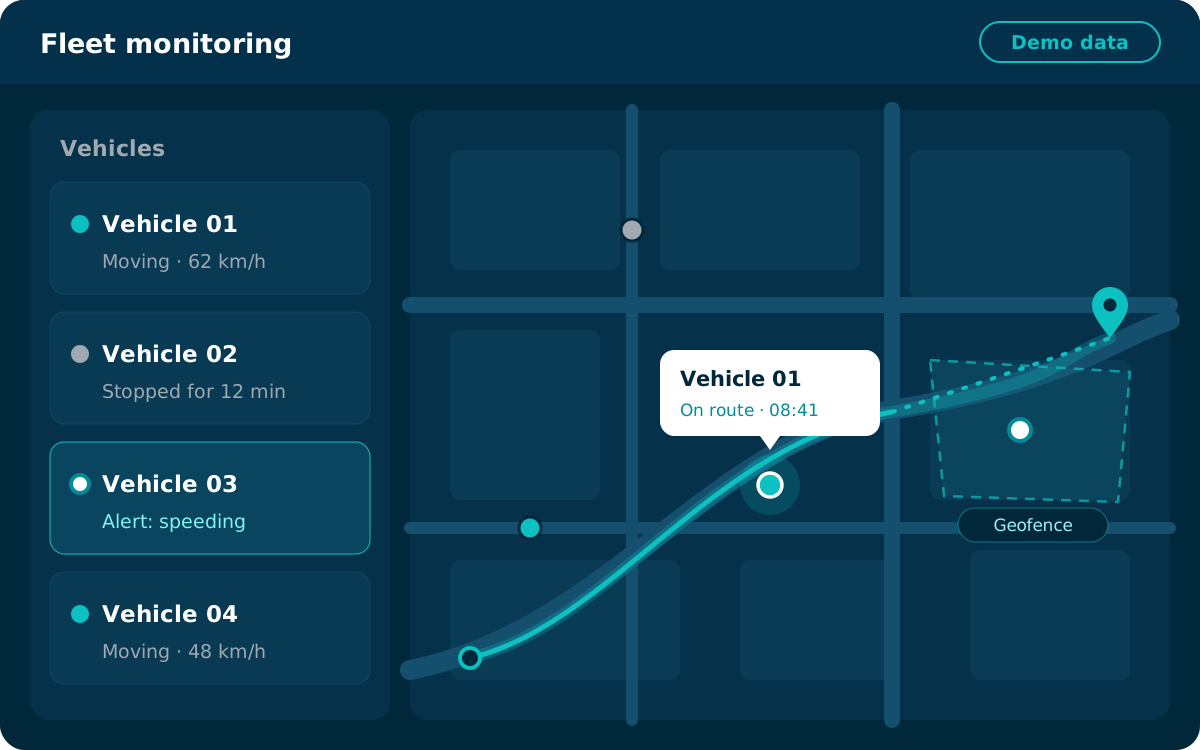
Better Equipment Visibility Across Multiple Projects
Location and available operating data can support companies running several construction projects.
Equipment across locations
Review equipment distributed across multiple locations.
Current or last location
Identify the current or last reported location of tracked machinery.
Moves between sites
Review movement between project sites.
Allocation discussions
Support equipment allocation discussions with clearer information.
Organized records
Organize equipment records by project or location where the platform supports this.
Please note: the system does not automatically allocate equipment, dispatch operators or optimize resource scheduling; those decisions remain with your team.
Data That Supports Equipment Oversight and Maintenance Planning
Available location, event, engine-hour and fuel records can support operational decisions by:
- Reviewing available equipment activity.
- Consulting recorded engine-hour information when supported.
- Using reliable usage data to assist maintenance planning.
- Reviewing movement and location records.
- Identifying equipment that may require operational follow-up.
Please note: maintenance schedules and service decisions must follow the machinery manufacturer’s recommendations and your organization’s procedures. GPS tracking does not diagnose mechanical faults.
Optional Odoo ERP Integration
Odoo integration is an optional add-on, separate from the core equipment tracking solution.
Odoo as a standalone ERP
Odoo can operate as a standalone ERP according to client needs, and Afaq can provide Odoo Enterprise modules according to the agreed scope.
Integration direction
An optional integration can be considered to transfer suitable operational data from the tracking or fleet system to Odoo through an API, subject to technical compatibility and an agreed scope. The direction is from the tracking/fleet system to Odoo; automatic reverse synchronization should not be assumed.
Potential applications
Subject to actual mapping and implementation:
- Associating supported equipment or operating records with relevant ERP records.
Please note: engine hours, maintenance schedules, fuel data, rental charges and costs do not synchronize automatically. Any integration requires technical validation and agreed data mapping.
Choose the Right Tracking Device for Your Equipment
Equipment tracking requirements differ according to:
Machine type and environment
Machinery type and operating environment.
Power source
Whether the equipment has a suitable vehicle power source.
Engine hours
Whether engine-hour or ignition data is required.
Fuel readings
Whether fuel-level or consumption readings are needed.
Asset tracker
Whether an asset tracker is more appropriate.
Sensors and interfaces
Whether additional sensors or interfaces are required.
Reporting and platform
Expected reporting and platform requirements.
Afaq Smart Tracking works with tracking hardware from brands such as Teltonika, subject to actual product compatibility and availability.
Please note: the final device and sensor configuration must be verified for the specific machine and required functionality before implementation.
Solutions for Multiple Industries
Needs differ from one industry to another, and solutions are configured accordingly.
Construction contractors
Follow equipment distributed across project sites and its moves between them.
Infrastructure projects
Clearer visibility of machinery on projects spread over wide areas.
Equipment rental companies
Know where rented equipment is and review its available usage records.
Road construction operators
Follow equipment that moves along the length of the works.
Industrial facilities
Follow mobile equipment within facilities and between their sites.
Generators and support equipment
Follow the location of mobile generators and support equipment.
Why Choose Afaq Smart Tracking?
An approach that starts with your equipment and monitoring requirements.
Understanding requirements
Understanding the customer’s equipment and monitoring requirements.
Devices and sensors
Help selecting suitable devices and sensors.
Feature setup
Configuring available location and operating-data features.
Installation and setup
Support with installation and platform setup within the agreed scope.
Alerts and reports
Help identifying relevant alerts and reports.
Technical support
Support within the agreed scope of service.
Frequently Asked Questions
Short answers to common questions about heavy-equipment tracking.
Can excavators, cranes, and other heavy machinery be tracked?
In many cases, yes, using compatible hardware suited to the equipment type, its power source and its operating environment.
Can I monitor engine hours?
Yes, when an appropriate supported data source is available, such as a compatible machine signal, a device feature or a suitable sensor. Reliable engine hours cannot be calculated without such data.
Can fuel consumption be monitored?
Yes, when a compatible machine signal is available or a suitable, calibrated fuel sensor is installed. Not all equipment supports CAN Bus fuel data.
Can the solution track equipment that is not used on public roads?
Yes, provided the device suits the equipment’s power source and operating environment, whether it is powered or battery-operated.
Can equipment across several project sites be monitored?
Yes. Visibility across sites depends on platform features and the location records available for each machine.
Can I receive an alert when equipment leaves a defined area?
Yes, when the selected platform supports it and the geofence is configured. Alert timing depends on the configuration and the location updates available.
Can the data support maintenance planning?
Reliable usage data can support maintenance planning, but the tracker does not necessarily diagnose faults or schedule maintenance automatically; maintenance still follows the manufacturer’s recommendations.
Can equipment data integrate with Odoo?
Yes, as an optional add-on after technical validation and agreed data mapping. The integration runs from the tracking or fleet system to Odoo through an API.
Get Better Visibility Over Your Equipment and Project Sites
Discuss your equipment requirements with Afaq Smart Tracking to identify suitable tracking devices, operating data, and alerts for your projects.