Driver Behavior Monitoring for Safer, More Efficient Fleets
Monitor driving indicators and vehicle events to help your team improve driving practices and manage fleet risks through clear data and alerts, depending on the capabilities of the vehicle and tracking device.
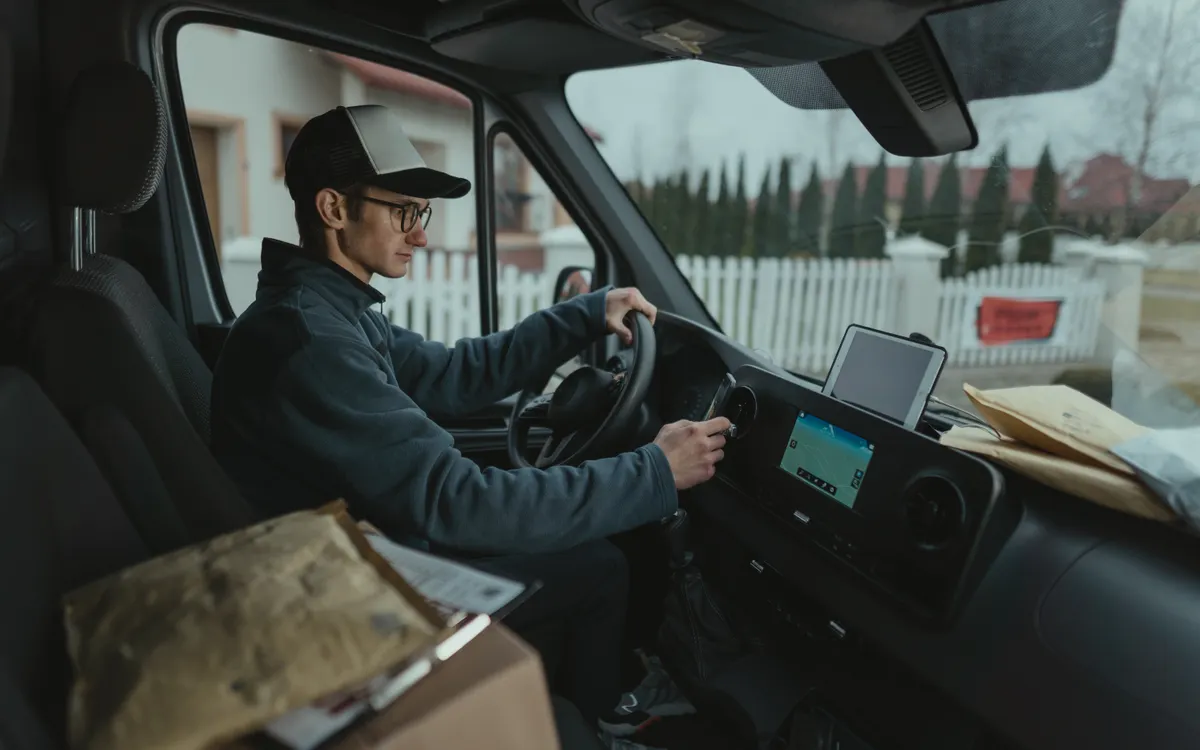
Why Monitor Driver Behavior?
How vehicles are driven affects several areas of fleet operations, including:
- Road safety.
- Vehicle wear and maintenance requirements.
- Fuel consumption, where reliable consumption data is available.
- Delivery schedules and operational efficiency.
- Risk assessment and fleet supervision.
Driver behavior monitoring provides operational indicators that help managers make informed decisions. It does not in itself guarantee fewer accidents, lower costs or reduced fuel use; results depend on how the indicators are used and followed up.

Driving Indicators That Reveal How Vehicles Are Used
Availability depends on the installed tracking device, the vehicle and the system configuration.
Speed Monitoring
Track recorded speed and configurable speed-limit events where supported.
Harsh Braking
Identify sudden braking events detected by supported tracking devices.
Rapid Acceleration
Monitor sudden acceleration events where the device can detect them.
Sharp Cornering
Display sharp-turning events only when supported by the installed hardware and configured system.
Driving Hours and Trip Activity
Review trip history, driving periods and vehicle activity based on available records.
Other Configured Events
Present additional relevant events where supported by the device, sensors, vehicle and software configuration.
How Does It Work?
Four steps from installation to follow-up.
Install and configure
Install and configure a compatible GPS tracking device to suit the vehicle and monitoring requirements.
Collect supported data
Collect the vehicle and driving-event data the device and installation support.
Review on the platform
Review trips, indicators and alerts through the monitoring platform.
Report and follow up
Use reports and follow-up actions to improve fleet supervision.
Not every vehicle exposes every indicator; availability depends on the vehicle, device, configuration, installation and platform.
A Clearer View of Fleet Performance
The tracking platform helps authorized fleet managers:
- Review vehicle location and trip history.
- View available driving events.
- Configure relevant alerts where supported.
- Compare operational patterns over a selected period, if the platform provides this capability.
- Review reports and use them for follow-up.
Available functions vary by platform, device and configuration.
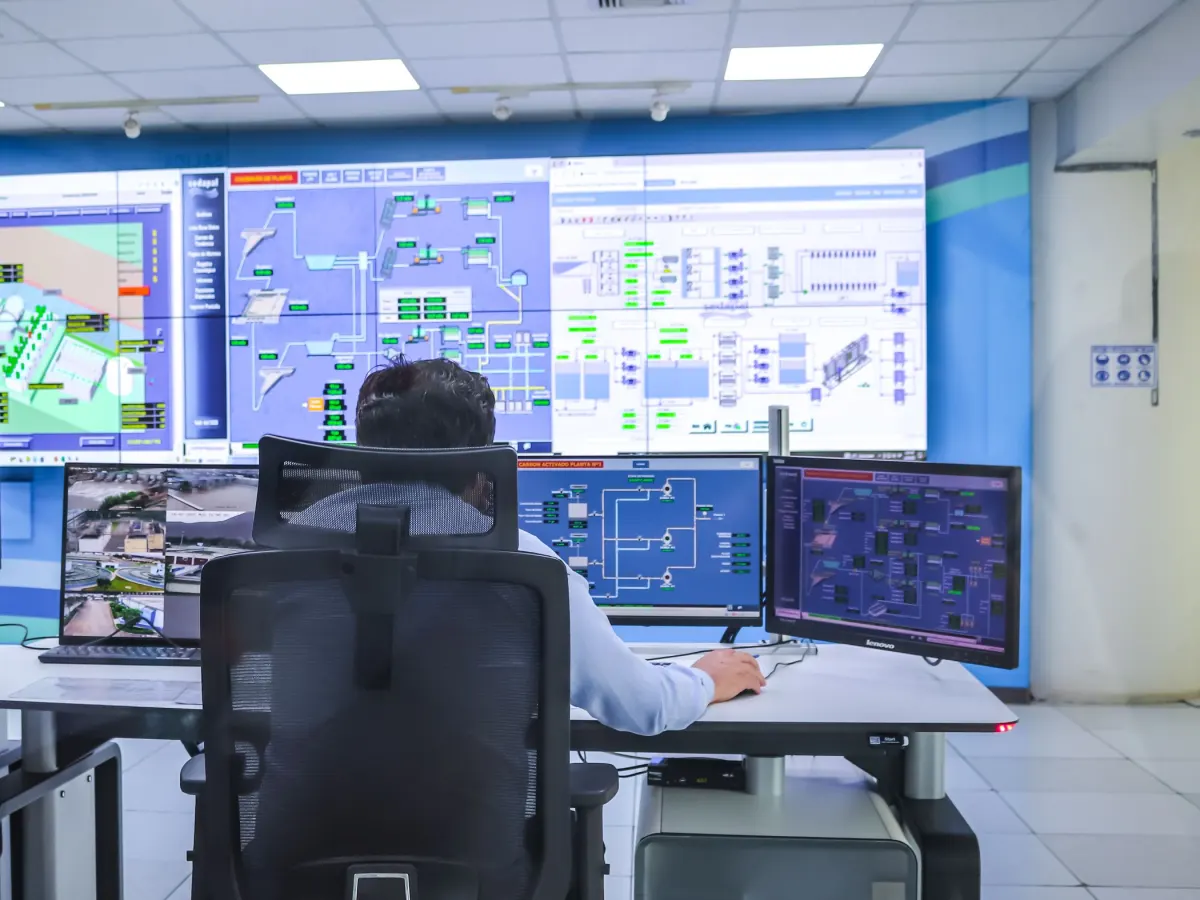
Turn Alerts Into Action
Configurable alerts can help supervisors respond to selected events, such as supported speeding or harsh-driving events, through a practical workflow:
Set thresholds
Configure event thresholds where available.
Identify events
Identify the relevant recorded events.
Review the context
Review trip time, vehicle and route when the information is available.
Follow up
Follow up with the driver or fleet supervisor.
Evaluate progress
Review subsequent records to evaluate progress.
Please note: the alerts available depend on the installed device, platform features and configuration.
Business Benefits
Practical benefits that depend on the data available and how it is used for follow-up.
Better visibility
Clearer visibility into fleet driving activity based on available records.
Informed safety discussions
More informed safety conversations with drivers, based on recorded events.
Earlier pattern detection
Earlier identification of recurring driving patterns.
Structured supervision
More structured fleet supervision built on regular data review.
Better-supported decisions
Maintenance and operating decisions supported by clearer information on vehicle use.
Consistent event review
Consistent review of driving-related events instead of scattered observations.
Designed for Different Fleet Operations
The right configuration depends on each industry and its needs; not every use case requires the same setup.
Logistics and delivery
Follow driving events to support safety and delivery schedules.
Transportation and distribution
Review driving practices on long and recurring trips.
School and staff transportation
Follow speed and driving events on passenger transport trips.
Construction and field service
Follow vehicle use between field locations and work sites.
FMCG distribution
Review driving activity on daily distribution rounds.
Corporate and service fleets
Structured supervision of company vehicle use.
Choosing the Right Device for Each Vehicle
The right tracking device depends on several factors:
Vehicle type
The data available and the right installation vary by vehicle type.
Installation requirements
The installation and connection method suited to the vehicle and device.
Required monitoring functions
The indicators and alerts your organization needs.
Afaq Smart Tracking works with fleet-tracking hardware from brands such as Teltonika, subject to actual product compatibility and availability. No single device necessarily supports every driving event.
Please note: the exact data and driving events available must be confirmed for the vehicle, installed tracking device and platform configuration before implementation.
Responsible Monitoring and Privacy
General practices organizations should follow when monitoring driving behavior:
Inform drivers
Inform drivers about monitoring practices in accordance with applicable requirements.
Limit access
Limit access to trip and driver-related records to authorized personnel.
Retention and access policies
Establish appropriate data-retention and access policies.
Responsible use
Use driving information responsibly for safety and operational improvement.
Please note: these are general practices, not legal advice; each organization should review the regulatory requirements that apply to it.
Why Choose Afaq Smart Tracking?
An approach that starts with your fleet’s needs.
Hardware selection
Help selecting suitable tracking hardware.
Monitoring setup
Configuring relevant monitoring features to your requirements.
Implementation
Support with implementation and platform setup.
Alerts and reports
Help defining meaningful alerts and reporting needs.
Technical support
Support within the agreed scope of service.
Frequently Asked Questions
Short answers to common questions about driver behavior monitoring.
Can driver behavior be monitored using GPS alone?
GPS provides location, speed and trip history, but on its own it may not provide every driving-event indicator. Detecting events such as harsh braking or rapid acceleration depends on a tracking device that supports these functions and is configured appropriately.
Can the system detect harsh braking and rapid acceleration?
Yes, when the installed tracking device supports detecting these events and they are configured. This varies by device, installation and settings.
Can alerts be configured for speeding?
Yes, when the platform provides this feature and the required speed threshold is set. Alerts depend on platform features and the configured thresholds.
Are all driving indicators available for every vehicle?
No. The indicators available differ by vehicle, device, installation and platform, so they are confirmed for each vehicle before implementation.
Can previous trips and recorded events be reviewed?
Previous records can be reviewed when the data is available; this depends on platform functionality and data-retention settings.
Can driver monitoring work alongside other fleet-management solutions?
It can be used alongside other solutions such as vehicle tracking and reporting, but integration must be confirmed against the specific systems and requirements of your organization.
Start Improving Driver Behavior Visibility
Discuss your fleet requirements with Afaq Smart Tracking to identify suitable driving indicators and monitoring alerts for your vehicles.