Understand what’s happening inside your vehicle with CAN Bus data
Where the vehicle and tracking device are compatible, CAN Bus solutions give access to selected operating data that helps you understand vehicle status and review performance indicators, fuel consumption and other available information.
What is CAN Bus?
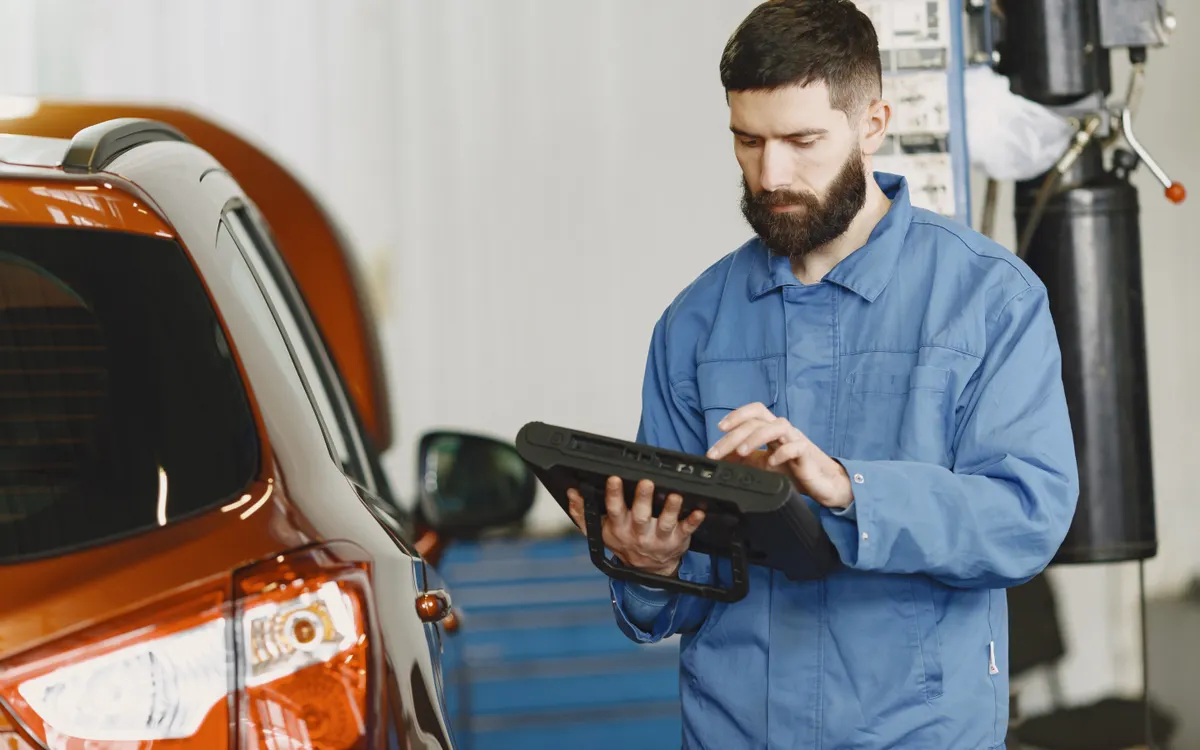
CAN Bus stands for Controller Area Network: a communication network through which the electronic control units inside a vehicle exchange information.
GPS/GNSS
Helps determine the vehicle’s location and movement.
CAN Bus
May give access to operating data inside the vehicle through its electronic network, depending on compatibility.
GPS + CAN Bus
Can combine location with some of the available vehicle data for a broader operational view.
This may require a compatible tracking device, an adapter, a suitable vehicle connection or additional configuration.
What data can be read from the vehicle?
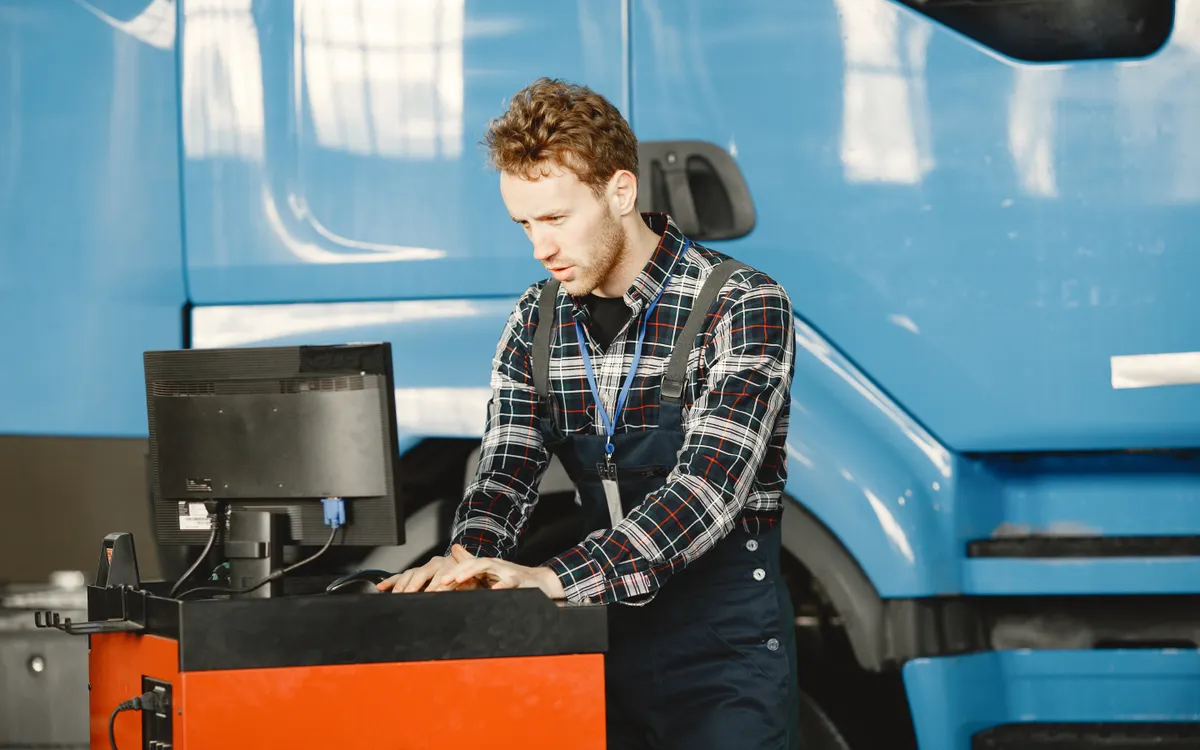
Examples of data categories that may be available from the vehicle, depending on compatibility.
Fuel level
Read the fuel level when the data is available via CAN Bus or through a compatible tank sensor.
Fuel consumption
Review consumption data if the vehicle and equipment support it.
Odometer
Read odometer data when it is available from the vehicle network.
Engine speed (RPM)
Follow engine RPM where supported.
Engine temperature
Access engine temperature data if it is available and compatible.
Engine hours
Review operating hours when the vehicle or the equipment used provides them.
Accelerator pedal
Pedal position or certain operating indicators, where supported.
Selected additional data
Other data, such as certain door states, VIN information, AdBlue or oil data, may be available depending on the vehicle and equipment.
Important: these are examples of data that may be available, not a guarantee that every vehicle provides every reading. Availability varies by manufacturer, model, year, vehicle network, ECU, tracker, adapter and configuration.
How vehicle data reaches the monitoring platform
Steps that start with a compatibility check before any installation.
Check vehicle compatibility
Review the vehicle type, model, year of manufacture and the electronic network available.
Choose the tracker and adapter
Select a suitable device and adapter for the vehicle and the data you need.
Read the available data
Set up the correct connection and read the indicators supported by the vehicle system and the equipment used.
Display and review the data
Send the available data to the platform to display and review it alongside tracking information, where supported.
Connection methods and the adapter required vary from vehicle to vehicle; no single installation method suits every vehicle.
Fuel data: CAN Bus or tank sensor?
Two main ways to read fuel data, each with different requirements.
Reading via CAN Bus
- Relies on the data the vehicle makes available over its electronic network.
- May reduce the need for a separate tank sensor when the required fuel reading is available and suitable.
- Requires checking the compatibility of the vehicle, device and settings.
Reading via a tank sensor
- Relies on a fuel sensor suited to the vehicle’s tank.
- Can be used when the required CAN Bus reading is not available, or when a different measurement is needed.
- Needs proper installation, calibration and sensor setup.
How is the choice made? It depends on the vehicle, the reading required, sensor compatibility, installation conditions and platform configuration. Neither method is the most accurate or suitable in every case, and functions such as flagging unusual changes in fuel level depend on the actual configuration.
How vehicle data helps improve your operations
Practical uses of the data available; results vary with the vehicle, the data and how it is used.
A broader operational view
Combining vehicle location with its available data helps you understand operating conditions better.
Reviewing fuel consumption
Use compatible readings to review fuel indicators.
Following operating hours
Use the available data to help organise maintenance or review vehicle use.
Supporting preventive maintenance
Use the available operating indicators within your maintenance procedures.
Fewer separate sensors in some cases
Some separate sensors may not be needed when the vehicle provides the required data over CAN Bus.
Supporting operational decisions
Use the available data to review vehicle performance and make better-informed decisions.
Choosing the right CAN Bus adapter
A CAN Bus adapter may be needed to connect a compatible tracking device to the vehicle’s electronic network and read the data it supports.
Examples of CAN Bus adapters
Examples that may be relevant in Afaq solutions; all require a compatibility check before selection. Not every adapter supports every vehicle, and adapters do not provide identical data.
What a compatibility check covers
- Vehicle manufacturer.
- Model and year.
- Vehicle type and electronic network.
- Tracking device model and firmware.
- Adapter model and configuration.
- The exact data parameters required.
Technical note: connecting adapters to the vehicle network (for example, the CAN-H and CAN-L lines) must be done by qualified technicians following proper technical procedures and the manufacturer’s documentation. Do not attempt the connection otherwise.
Connecting vehicle data to tracking devices
Reading CAN Bus data depends on the full combination: the tracking device, vehicle compatibility, any adapter required, wiring and configuration.
For example, a Teltonika FMB120 can be used with compatible adapters where that specific combination is supported for the vehicle in question. Not every device and adapter combination works on every vehicle.
When GPS/GNSS is included, the platform can combine location data with the supported vehicle parameters.
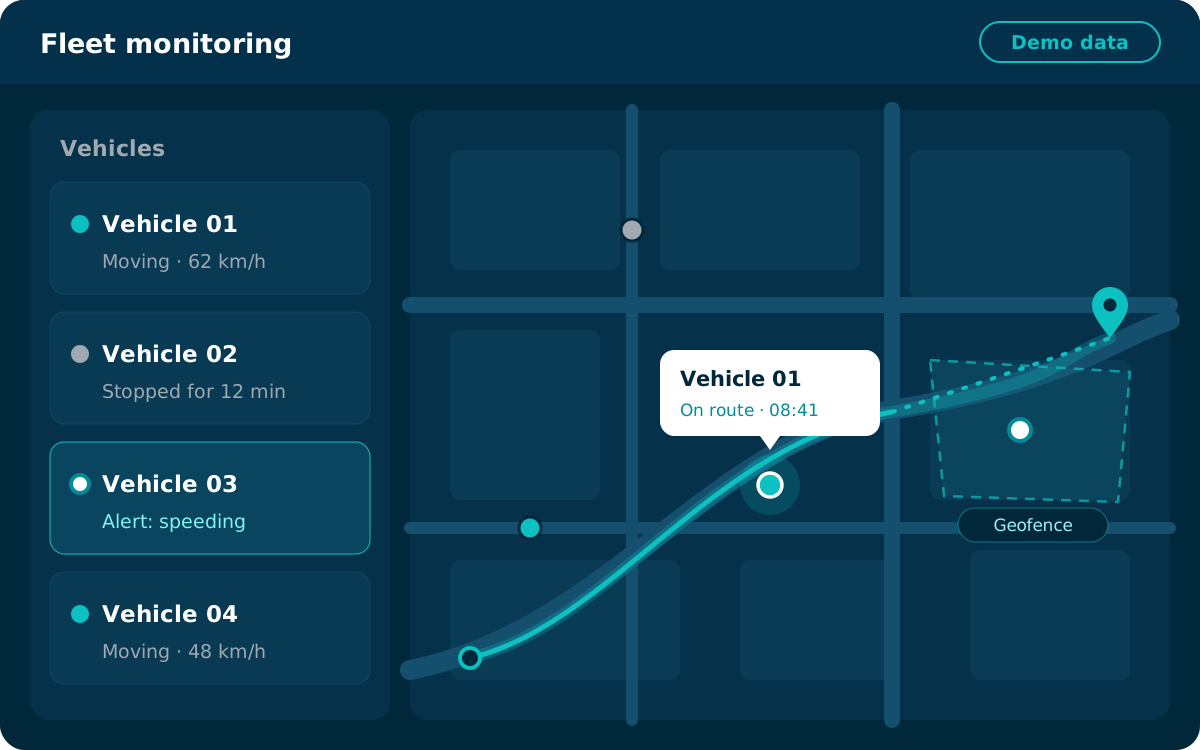
The interface shown is illustrative and does not display real data.
From reading data to following it in reports
Compatible CAN Bus readings can be used in the tracking platform to support daily monitoring.
Fuel readings
Review fuel readings and the consumption data available.
Odometer and engine hours
View odometer or engine-hour values when available.
Operating indicators
Review selected vehicle operating parameters.
Maintenance support
Support maintenance procedures with the data available.
Combined with tracking
Combine vehicle data with GPS tracking information where supported.
Please note: reports and alerts depend on the platform, the parameters available, the configuration and device capabilities. Not every reading generates an alert automatically, and not all data may be available historically.
Data solutions that fit your vehicles and needs
An approach that starts with the data you need and checks compatibility before implementation.
Understanding your needs
Understanding your operational needs and the data required.
Compatibility checks
Checking the compatibility of the vehicle, device and adapter.
The right fuel reading method
Help choosing the right way to read fuel data.
Platform setup
Setting up the platform around the data available.
Technical support
Support within the agreed scope of service.
CAN Bus FAQs
Short answers to common questions about CAN Bus and vehicle data.
What is the difference between GPS and CAN Bus?
GPS determines a vehicle’s location and movement via satellites, while CAN Bus is a communication network inside the vehicle that may give access to operating data such as fuel, odometer and engine speed, depending on compatibility. The two can be combined on the tracking platform when the combination used is supported.
Can fuel be read via CAN Bus?
On some vehicles, yes: when the vehicle makes fuel data available on its network and the device and adapter support reading it. This cannot be confirmed until the compatibility of the vehicle and equipment has been checked.
Do all vehicles provide the same data?
No. The data available varies with the manufacturer, model, year, vehicle network and control units, as well as the tracking device, adapter and configuration.
Do I need a CAN Bus adapter?
It depends on the vehicle, the tracking device and the data required. Some combinations need a suitable adapter; this is decided after a compatibility review.
What is the difference between reading fuel via CAN Bus and via a tank sensor?
A CAN Bus reading relies on the data the vehicle makes available, while a tank sensor measures the fuel level directly in the tank once it has been installed and calibrated. The choice depends on the vehicle, the reading required and installation conditions; neither method is the best fit in every case.
Can I get RPM, engine temperature and engine hours?
This may be possible on vehicles that make this data available over CAN Bus, where the device and adapter support it. We review the availability of each reading for your vehicle before installation.
Can CAN Bus data be connected to the tracking platform?
Yes. When the combination used is supported, the available data is sent to the tracking platform and displayed alongside location information. Reports and alerts depend on the platform and its configuration.
How do I know whether my vehicle is compatible?
We review your vehicle details with you, such as manufacturer, model, year and network type, along with the data you need, and then identify a suitable tracking device and adapter, if one is required.
Want to know what data your vehicle can provide?
Let us help you review vehicle compatibility and choose the right tracking device or adapter for the data you need.