FOTA

Update and Configure Trackers Remotely

Update tracker firmware and change settings without calling vehicles to the workshop: remote device management for devices that support it, such as Teltonika, depending on connectivity and device capabilities.

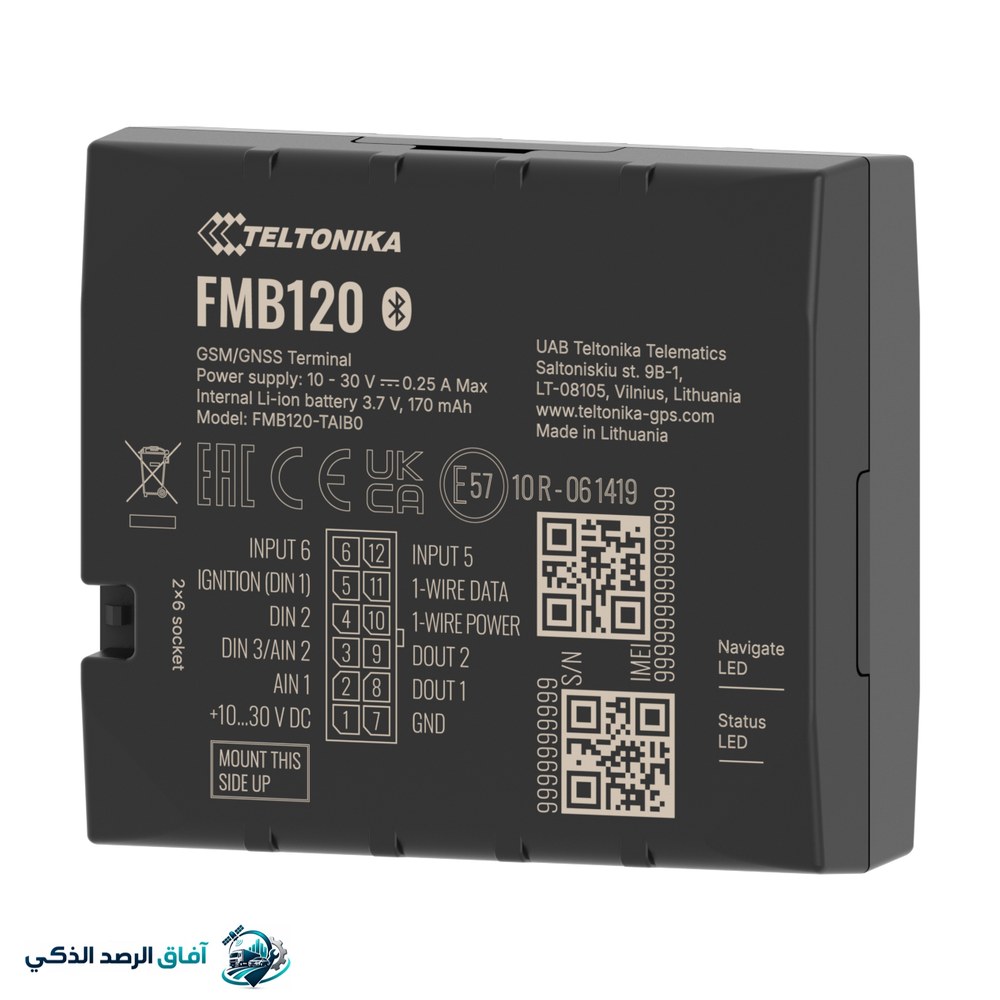
جهاز تتبع Teltonika FMB120
Overview

What Is FOTA?

FOTA means Firmware Over The Air: sending updates and settings to the device while it stays in the vehicle.

  • Firmware updates for compatible devices
  • Remote configuration changes
  • Device status and connection monitoring
  • Fewer technician visits to vehicles

Important for large fleets spread across several cities, where bringing every vehicle to a workshop for an update or setting change costs time and money.

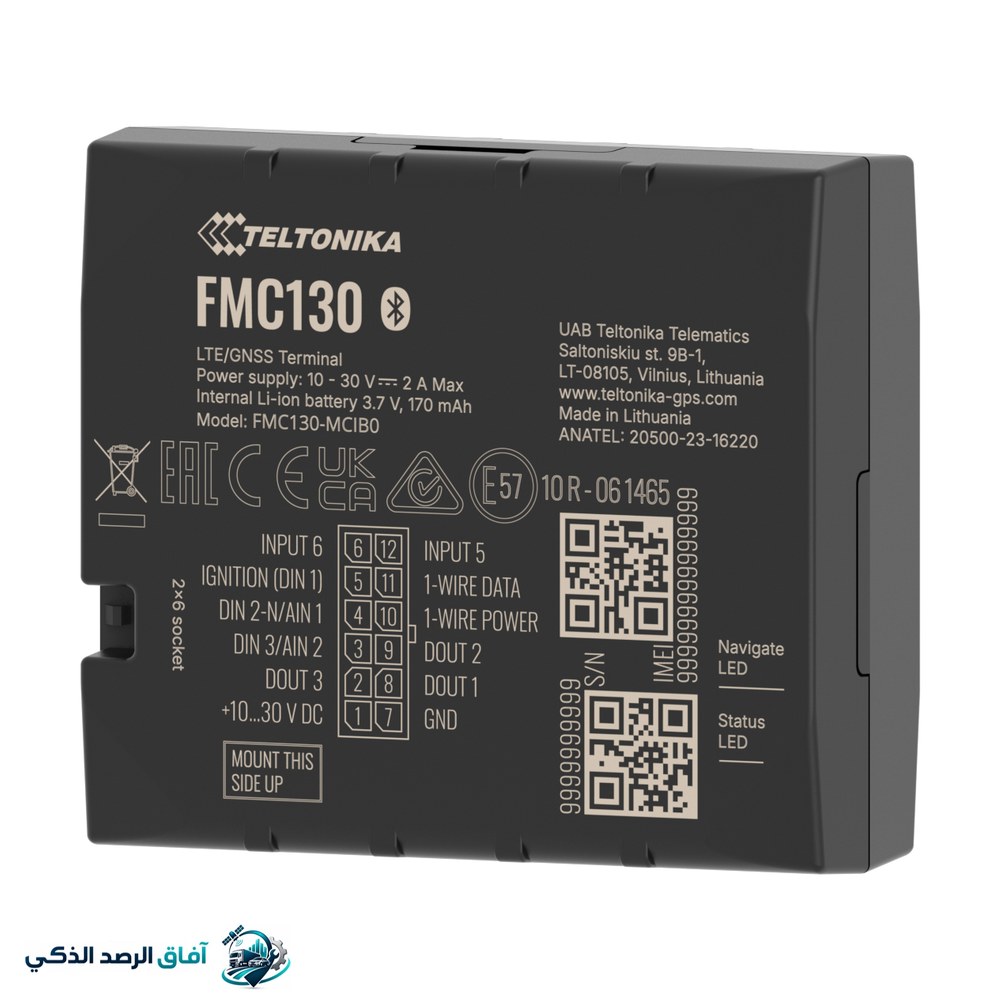
جهاز تتبع Teltonika FMC130
Challenges

Challenges of Managing Devices Manually

Every manual change means a technician visit and a stopped vehicle.

Field visits

A technician for every small change.

Dispersed vehicles

Fleets across several cities.

Configuration errors

Different settings between devices.

Adding sensors

Settings change when accessories are added.

No overview

Not knowing the firmware version per device.

Large numbers

Hundreds of devices needing the same change.

How it works

How Does Remote Device Management Work?

Updates and configuration from one place.

01

Register devices

Add compatible devices to the management system.

02

Prepare

Prepare the configuration or update file.

03

Send

Send the update to connected devices.

04

Verify

Check update success and device status.

Capabilities

FOTA and Device Management Capabilities

Manage your device fleet without field visits.

Bulk updates

Update groups of devices.

Remote settings

Change supported settings.

Device status

Last connection and firmware version.

Accessory support

Enable settings for added sensors.

Change log

What changed and when.

Technical support

Updates carried out within the service scope.

Use cases

Who Benefits From FOTA?

Fleets that want devices always up to date.

Large fleets

Hundreds of vehicles in several cities.

Intercity transport

Vehicles far from base.

Equipment

Devices at remote sites.

Service providers

Managing customer devices.

Distribution

Vehicles that never stop.

Government entities

Fleets spread across regions.

Why Afaq

Why Choose Afaq Smart Tracking?

An approach that starts with how you operate.

Understanding requirements

We start by understanding your operation and what you need to monitor.

Suitable devices

Help selecting compatible devices and sensors.

Alert setup

Configuring the supported rules and alerts on the platform.

Installation

Installation and platform setup within the agreed scope.

Technical support

Local technical support within the agreed scope of service.

Quick answers

Frequently Asked Questions

No, it depends on the manufacturer and model; Teltonika devices, for example, support remote management.

The device may pause briefly during the update and then resume.

A previous configuration can be restored on devices that support it.

Yes, the update is sent when the device is connected.

Yes, within the agreed service scope.

Manage Your Fleet Devices Remotely

Tell us your device models and quantities, and we will confirm which support remote management.