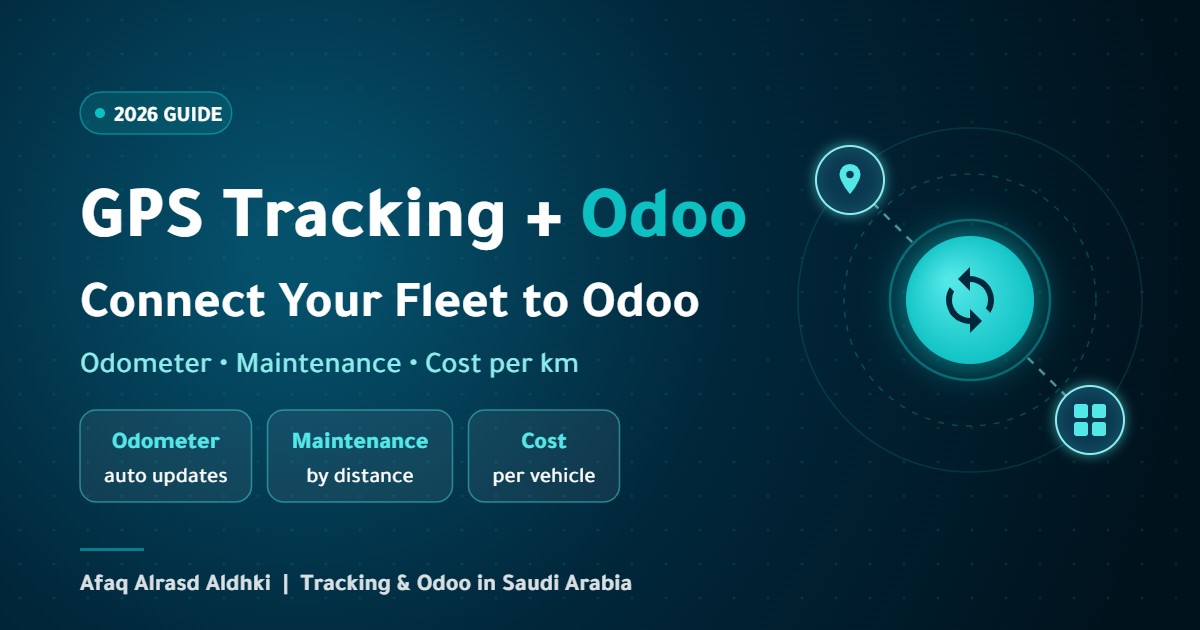
An Odoo GPS tracking integration brings two kinds of knowledge together: Odoo knows your fleet’s costs, contracts and maintenance, while the tracking system knows what actually happens on the road, from distance and engine hours to location. When the data stays separate, staff type odometer readings by hand, maintenance runs late and cost per kilometer is guesswork. This guide explains what the Odoo Fleet app does on its own, what a tracking system adds, what to sync and what to keep in the tracking platform, and the integration methods and implementation steps.
Table of Contents
Why Connect a GPS Tracker to Odoo?
- Accurate odometer readings without manual entry: real distance flows from the tracker into the Odoo odometer log automatically.
- Maintenance on time: service schedules are based on real distance or engine hours instead of estimates.
- True cost per vehicle: fuel, maintenance and contract costs are divided by the kilometers actually driven.
- One source of truth: finance and operations work from the same numbers.
What Does Odoo Fleet Do on Its Own?
Odoo Fleet is the Odoo fleet management app, and it covers the administrative and financial side of your vehicles:
- Vehicle records: model, plate number, current and future driver, and vehicle details.
- Contracts: leasing, insurance and other contracts, with an alert before the contract ends sent to the person responsible.
- Services and maintenance: service records and their costs, which can also be created from vendor bills in Accounting.
- Odoo fleet odometer: a last odometer field and a log of readings in kilometers or miles, depending on the vehicle’s setting.
- Reporting: fleet cost analysis by vehicle, service type and period.
What Odoo Fleet does not know by itself is where a vehicle is right now or how far it drove today. That data comes from a tracking system. For an overview of Odoo’s other apps, see our Odoo ERP solutions page.
What Does a Tracking System Add?
A tracking system collects operating data from the vehicle itself: live location, trips and stops, real distance, engine hours, fuel consumption through sensors or CAN Bus data, driving behavior, and speed and geofence alerts. This is the data that makes Odoo’s numbers accurate. If you are new to the term, see what an AVL system is.
What to Sync to Odoo and What to Keep in the Tracking Platform
The most important decision in an Odoo GPS tracking integration is not to move everything. Live GPS points are far too many for a business system, so move only the data that supports management decisions:
| Data | Where it lives | How it syncs |
|---|---|---|
| Distance and engine hours | Odometer log in Odoo | Daily or after each trip |
| Last location and vehicle status | Vehicle record in Odoo | Periodic snapshot for quick reference |
| Trips, live map and route history | Tracking platform | Link from Odoo to the platform |
| Refuels and consumption | Vehicle services or costs in Odoo | Per refuel or periodic summary |
| Driver identity | Driver assigned to the vehicle in Odoo | When the driver changes |
| Important alerts | Activities or tasks in Odoo where needed | By alert type |
Odoo GPS Tracking Integration Methods
1. A Ready-Made Module From the Odoo Apps Store
Some modules connect specific tracking platforms to the Fleet app: they import devices, link each one to its vehicle and update the odometer. They are quick to deploy, but they work with a specific tracking platform and Odoo version, and they usually import only the latest snapshot while trip history stays in the tracking platform.
2. A Custom API Integration
A custom integration reads from the tracking platform’s API and writes to Odoo through its external API. It suits companies with specific needs, such as linking trips to delivery orders or invoices, and it requires development and maintenance with each version upgrade.
3. Scheduled Sync Through a Middleware Layer
A small service runs at set intervals, collects distance and fuel summaries from the tracking platform and sends them to Odoo. It is the simplest and most stable option for daily sync, and it keeps the load low on both systems.
Practical Uses Once Connected
- Mileage-based preventive maintenance: service reminders based on real odometer readings, through automation rules or an add-on module depending on your version. See smart fleet management and maintenance.
- Cost per kilometer per vehicle: compare vehicles and spot the most expensive ones before replacement decisions.
- Leasing contracts: track the distance allowed under a contract before it is exceeded.
- Fuel: compare refuels recorded in Odoo with actual consumption from fuel monitoring to catch discrepancies.
- Billing for transport companies: link completed trips to sales orders or invoices where needed.
How to Connect Your Fleet Tracking to Odoo, Step by Step
- Align vehicle data: link each tracking device to its vehicle in Odoo by plate number or chassis number.
- Calibrate the odometer: compare the tracker’s distance with the vehicle odometer and set a fixed offset before enabling automatic updates.
- Decide what syncs and when: follow the table above, and choose kilometers or miles.
- Permissions and multi-company: make sure each device and its vehicle belong to the same company in Odoo.
- Pilot on a small group of vehicles: and review the readings for two weeks before rolling out.
- Train the team: to read the data in Odoo and jump to the tracking platform when they need detail.
Common Challenges and How to Avoid Them
- Odometer drift: GPS distance can differ slightly from the vehicle odometer, so review the calibration regularly and after any reset.
- Offline devices: they can show old locations, so display the last contact time next to the location.
- Version compatibility: ready-made modules support specific Odoo versions, so check before upgrading.
- Data volume: pushing every GPS point into Odoo slows it down, so stick to summaries.
Frequently Asked Questions
Does Odoo have built-in GPS tracking?
No. The Odoo Fleet app manages vehicles, contracts, services and costs, while location and real distance come from a connected tracking system.
Can the Odoo fleet odometer update automatically?
Yes. An integration can write distance or engine-hour readings from the tracker into the odometer log on a schedule, after calibrating the offset between the device and the vehicle odometer.
Does the integration work with Odoo Community?
The Fleet app is available in both editions, and integration modules exist for some Community versions. The right choice depends on your version and tracking platform.
Are the live map and trip history moved into Odoo?
They are best kept in the tracking platform, with summaries and the last location moved to Odoo and a quick link to the platform on the vehicle record.
Can any GPS tracker be connected to Odoo?
Most can, as long as the tracking platform offers an API. Confirm that the platform supports your device and exposes the data you need before you start.
How often should data sync?
Daily updates of distance and engine hours are usually enough, with the last location refreshed periodically, while live monitoring stays in the tracking platform.
How Afaq Can Help
Afaq Alrasd Aldhki combines tracking systems and Odoo solutions: we install trackers and sensors, configure Odoo Fleet, build the connection between the two systems, calibrate odometers and train your team. Explore Odoo ERP solutions or request a quote to connect your fleet.