Log in to your tracking platform
Choose the platform named in the login details Afaq sent you, then follow your vehicles from any browser on desktop or mobile: live location, alerts and reports.
Which platform should I use?
Your account lives on one of the two platforms: the one named in your activation message. Not sure? Contact us and we will send you the right link.
Afaq tracking platform
Vehicle and asset tracking: live location, trip history, alerts and reports.
track.afaqelrasd.sa
Rasd fleet platform
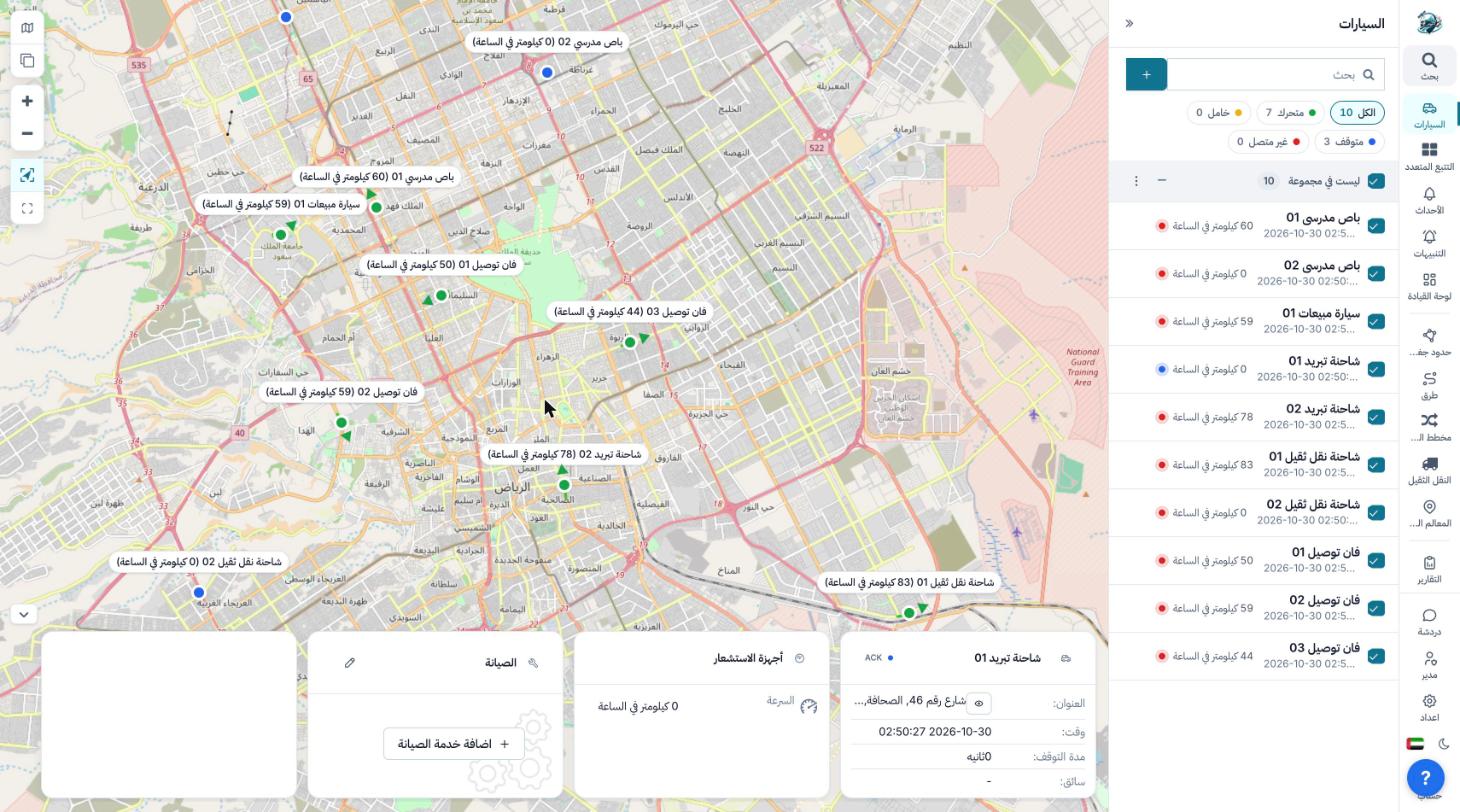
Smart fleet monitoring: a live map of every vehicle, smart alerts and clear reports.
fleet.afaqelrasd.sa
Bookmark your platform, or add it to your phone’s home screen for quick access.
How to log in
Four steps, in any modern browser.
Open your platform
Enter your details
Pick a language
Follow your vehicles
Common login problems
Still stuck? Message our support team on WhatsApp.
I forgot my password
Use the “Forgot password” link on the login page if your account has it, or message support on WhatsApp at +966 55 471 5708 and we will restore your access.
I did not receive my login details
Login details are sent once the device is activated. If you have not received them, contact us from the mobile number on your contract.
It says the username or password is wrong
Check that you are on the right platform: each account works on one platform only. Then check letter case and extra spaces.
Can I log in from my phone?
Yes. Both platforms work in a mobile browser, and you can add the page to your home screen to open it like an app.
Can I add another user to my account?
Yes. We can create users with different permissions for fleet supervisors or accounts staff. Ask our support team.
Need help logging in?
Support on WhatsApp or by phone at +966 55 471 5708. No subscription yet? Request a quote.