A clearer view of the road and better safety for your fleet
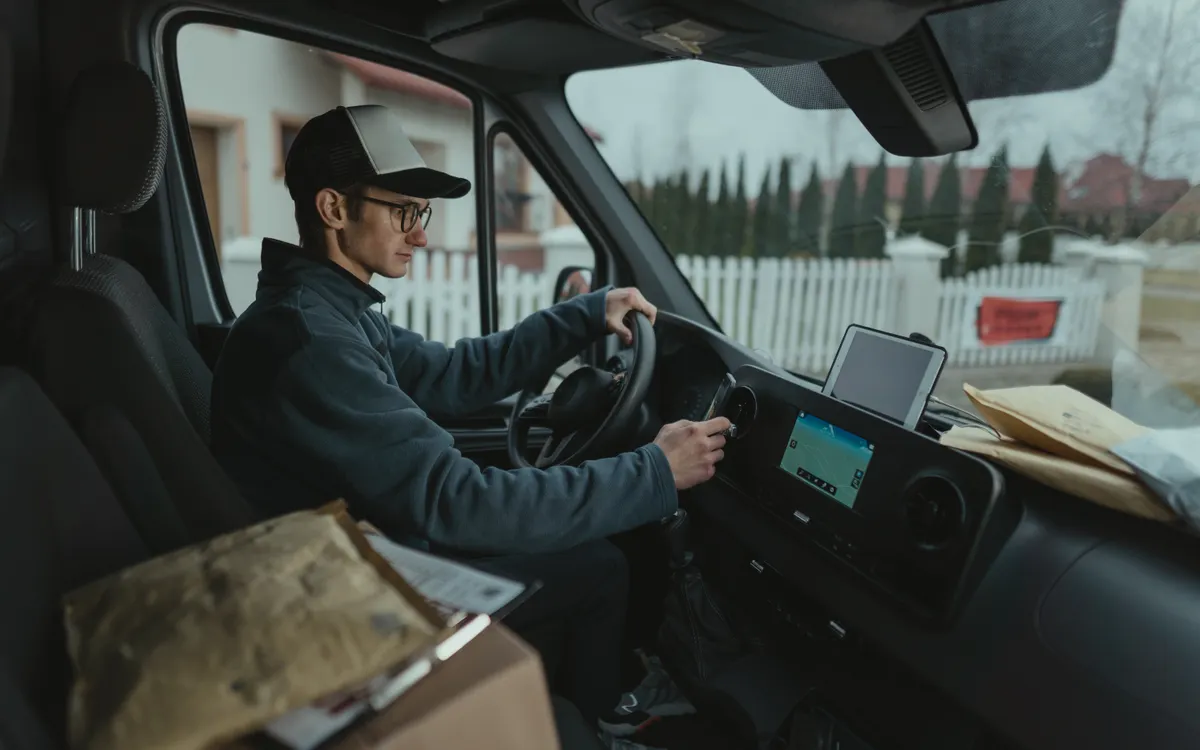
Vehicle video solutions help you review recorded events and better understand the context of trips, with the option to link video to GPS and operating data depending on the devices and platform used.
What is video telematics?
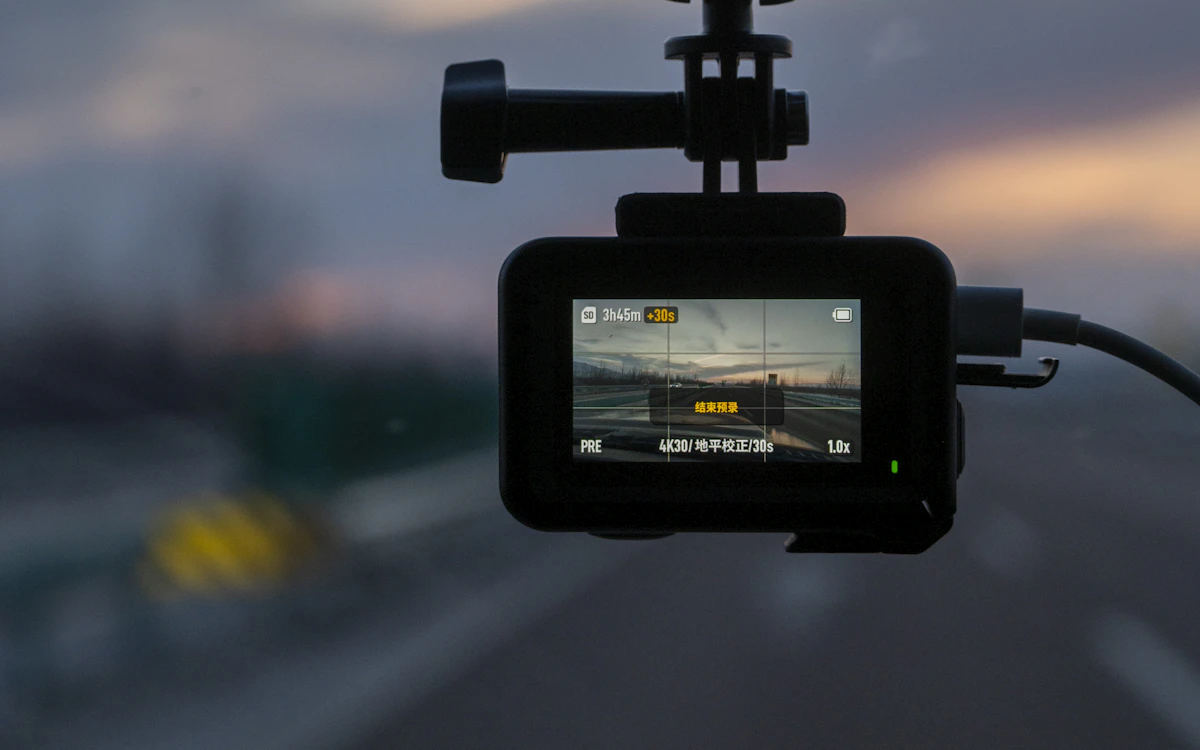
Video telematics combines vehicle video with selected fleet-tracking information, where supported, to help authorised operators review journeys and understand events recorded during vehicle operation.
A typical setup includes:
- Forward-facing road cameras that record the scene ahead.
- Driver-facing cameras, where needed.
- Cabin cameras that record inside the vehicle.
- Mobile digital video recorders (MDVR).
- Linking video to location and trip data, where this function is supported.
Actual capabilities depend on the installed hardware, recording configuration, connectivity, storage, the software platform and supported integrations.
Vehicle video solution components
Elements a video setup may include, chosen to suit the vehicle and your operational needs.
Forward-facing road camera
Records the scene ahead of the vehicle to help review trips and recorded events, depending on the camera’s features and settings.
Driver-facing camera
Captures a view of the driver inside the vehicle when a dedicated camera is used, with privacy policies and operating requirements taken into account.
Cabin camera
Records scenes inside the vehicle when this function is required and supported by the equipment used.
MDVR
A video recorder designed for vehicles that can support multiple cameras, depending on its model, specifications and supported connections.
GPS tracking unit
Provides vehicle location and trip data that can be linked with video information when the device and platform support this integration.
Please note: not every MDVR supports the same number of cameras, the same storage capacity or the same network features and video integrations; this varies by model.
How video telematics works
Steps from choosing the equipment to reviewing recordings.
Choose cameras and equipment
Select the camera types and recording devices to suit the vehicle and your operational needs.
Install devices and set up recording
Install the cameras and configure recording and storage according to the device instructions and vehicle conditions.
Link video to vehicle data, where supported
Link recorded clips to trip or location information when the devices and platform allow this integration.
Review recordings and events
Make recordings and recorded events available for review by authorised users, according to the permissions and settings available.
Not every installation supports cloud video, live streaming, event-triggered recording or remote retrieval; this depends on the devices and configuration.
Capabilities that help you review trips and events
Capabilities that depend on the device model, camera compatibility, storage, connectivity, the platform and configuration.
Road scene recording
Review the recordings provided by road cameras, according to recording and storage settings.
Reviewing vehicle events
Go back to clips linked to recorded events when the device and platform support this function.
Video linked to trips
Review video alongside trip or location data if the integration is available.
Multiple cameras
Use more than one camera when the recording device and required equipment support it.
Access to recordings
Review video through the method the device supports, such as local access, the platform or a network connection, depending on the equipment.
Organised review and follow-up
Help your operations team review important recordings and events according to permissions and internal procedures.
Driver safety and road event review
Vehicle video can support safer operating practices by letting authorised users review recorded situations and use them within driver-training and fleet-safety procedures.
What can be reviewed?
- Road clips linked to recorded events.
- The context of certain situations during a trip.
- Recordings used for discussion and training when needed.
- Events reviewed in line with company policies.
- Clearer information available to the operations team.
Recording vs. automated detection
Recording means saving the scene so it can be reviewed later; it does not mean the camera detects events automatically. Detecting distraction, fatigue, phone use, harsh driving or collisions requires hardware and software that specifically support that function.
AI, Advanced Driver Assistance (ADAS) and Driver Monitoring (DMS) functions may be available as optional capabilities on compatible devices and configurations only, and must be verified for the specific device.
Connect the road scene with vehicle information
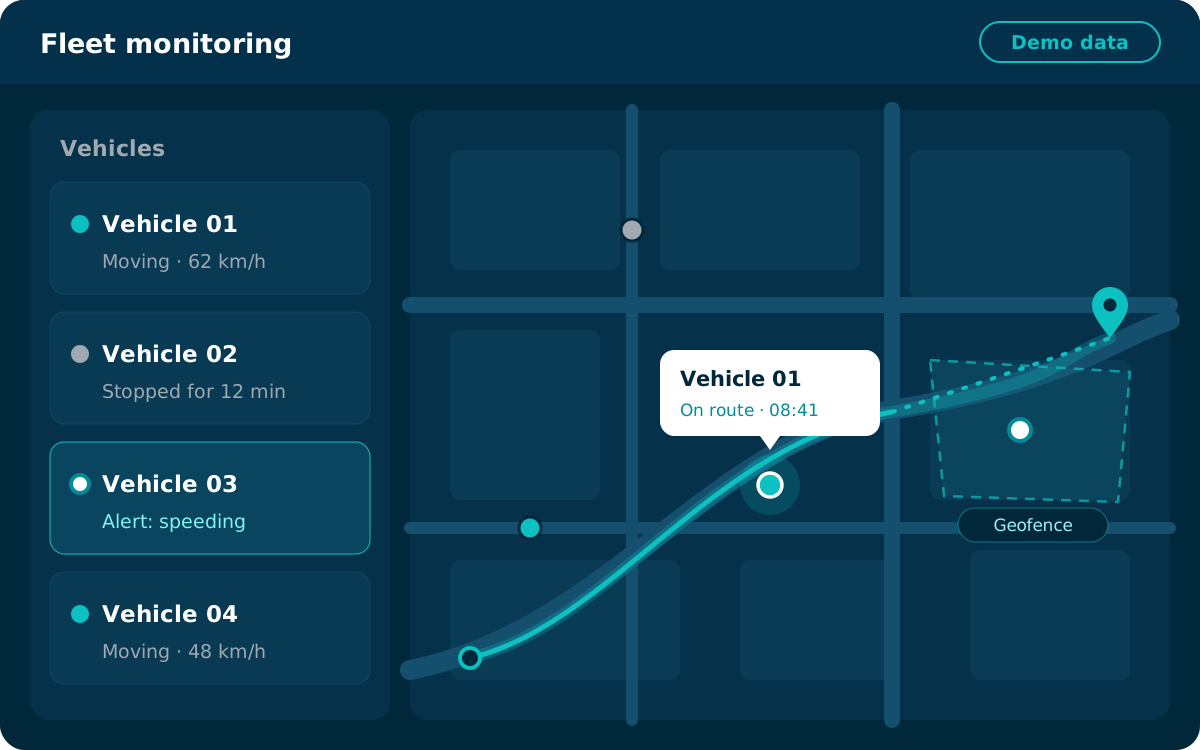
Combining video with GPS tracking can add visual context to trip information during reviews.
- Review the vehicle’s location when location data is available.
- Go back to the trip history when it is available.
- Review video linked to an event or time period when the platform supports it.
- Use trip information and visual context to support operational reviews.
- Use the alerts supported by the devices and platform.
Please note: linking video to a GPS event depends on compatible equipment, correct timestamps, connectivity, storage, platform functionality and configuration. Live synchronisation and immediate remote access are not available on every device.
The interface shown is illustrative and does not display real data.
Recording, storage and video access
Different ways to record and access video; what is available depends on the device and configuration.
Local recording
Recordings saved to the storage supported by the device in the vehicle.
Access via the platform
Review recorded clips through a compatible platform, where supported.
Live viewing
View video live when the equipment supports it and a suitable connection is available.
Event-triggered recording
Clips recorded when specific events occur, where the device and configuration provide this.
Please note: video bandwidth, data usage, recording quality, connectivity, retention periods and storage capacity depend on the specific device and the settings chosen. Remote access and live streaming may require adequate network connectivity and a suitable data plan.
Privacy and responsible use of vehicle recordings
Practical steps that help the organisation operating the cameras use recordings responsibly.
A clear purpose for recording
Define a clear purpose for using cameras and recording.
Authorised access
Limit access to recordings to authorised users.
A suitable retention policy
Choose a retention period that fits the purpose and your policies.
Protected accounts
Protect user accounts and login credentials.
Review and sharing procedures
Set clear procedures for reviewing and sharing recordings.
Applicable regulations
Take into account the privacy requirements and laws that apply where you operate.
Please note: these are general practices, not legal advice. Camera placement, driver monitoring, employee notification, access controls and recording-retention policies should be reviewed against your organisation’s policies and applicable legal obligations.
Where can video telematics help?
Possible uses vary with the activity and equipment; video is not required in every industry.
Transport & logistics
Review certain road events and recorded trips to support operating procedures.
Delivery & distribution
Additional visual context when reviewing a trip or recorded event, where available.
Corporate fleets
Support trip reviews and fleet-safety procedures.
Equipment & operational vehicles
Use compatible cameras on vehicles and equipment that benefit from on-site recording.
Refrigerated transport
Review recorded trips and events when vehicles are fitted with suitable cameras; video is not a substitute for temperature sensors.
Service & field vehicles
Support the review of certain situations linked to trips and field work.
Video solutions that fit your fleet’s equipment
An approach that starts with the purpose of recording and chooses the right equipment for your fleet.
Your fleet and goals
Understanding your fleet and the purpose of recording.
Cameras and recorders
Help choosing suitable camera types and recording devices.
Compatibility checks
Checking that the equipment and installations required are compatible.
GPS integration
Help linking video to GPS data where supported.
Technical support
Support within the agreed scope of service.
Video telematics FAQs
Short answers to common questions about vehicle video telematics.
What is video telematics?
It combines vehicle cameras, recording devices and selected information from the tracking system, where supported, to help authorised users review trips and recorded events.
What is the difference between road, driver and cabin cameras?
A road camera records the scene ahead of the vehicle, a driver camera focuses on the driver, and a cabin camera records scenes inside the vehicle. You choose the ones that fit the purpose of recording and your organisation’s policies.
What does an MDVR do?
An MDVR is a video recorder designed for vehicles. It takes input from one or more cameras, stores the recordings and may support a connection to the platform. The number of cameras, storage capacity and connectivity features vary by model.
Can video clips be linked to the vehicle’s location?
Yes, when the devices and platform support this integration, with correct timestamps and the required location data, storage and connectivity available.
Can video be viewed live remotely?
On some devices, yes: when the equipment supports live viewing and there is adequate network connectivity and a suitable data plan. This function is not available on every device.
Can the cameras work without an internet connection?
Many devices can keep recording locally to supported storage without a connection, but remote access and uploading clips require connectivity. This depends on the device and its settings.
Can the system automatically detect driver fatigue or distraction?
Not necessarily. Automatic detection of fatigue or distraction requires driver monitoring (DMS) hardware and software that specifically support this function, which must be verified for the exact device. Recording alone does not detect these conditions.
How long are recordings kept?
There is no fixed period. Retention depends on storage capacity, recording quality, the number of cameras, recording settings, your organisation’s policy and the platform’s capabilities.
How can access to vehicle recordings be managed?
By defining authorised users and their permissions, protecting accounts, and setting clear procedures for reviewing and sharing recordings, in line with your organisation’s policies and applicable regulations.
Find the right video solutions for your fleet
Let us help you choose the vehicle cameras and recording devices that fit your needs and the way your fleet operates.