Manage and maintain your fleet with clearer visibility and better control
Help your team follow vehicle status, organise maintenance work and review the operational data available, with vehicle tracking and fleet management solutions that fit the way you work.
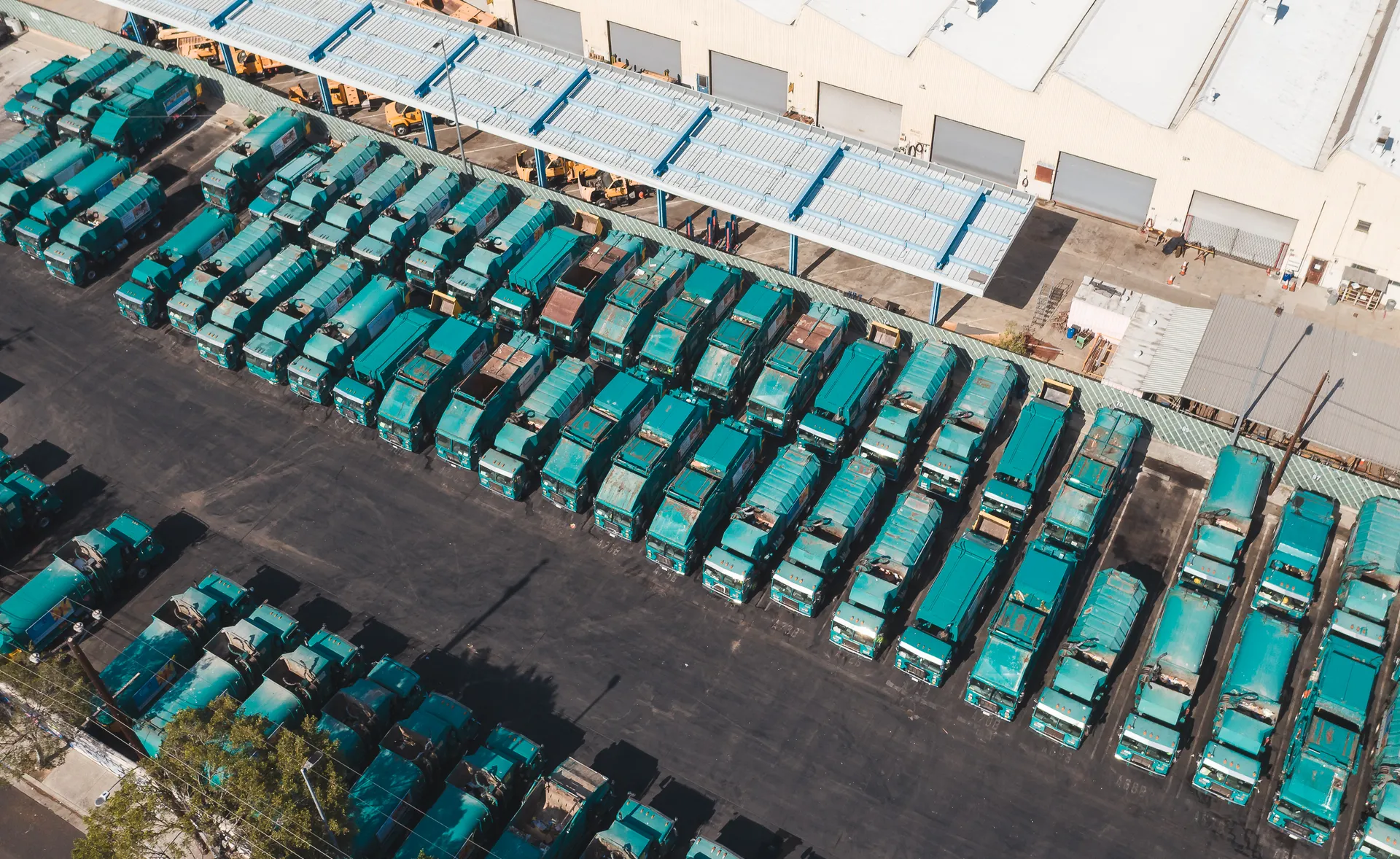
What is smart fleet management and maintenance?
Fleet management combines vehicle tracking, operational visibility, available vehicle data, alerts and maintenance planning to help organisations manage their vehicles more consistently.
This typically includes:
- Following vehicle locations and movement.
- Reviewing the operational information available.
- Organising maintenance schedules.
- Following engine hours, where available.
- Reviewing the reports and alerts supported by the platform.
Capabilities vary with the tracking devices, vehicle compatibility, installed sensors, the platform and its configuration.
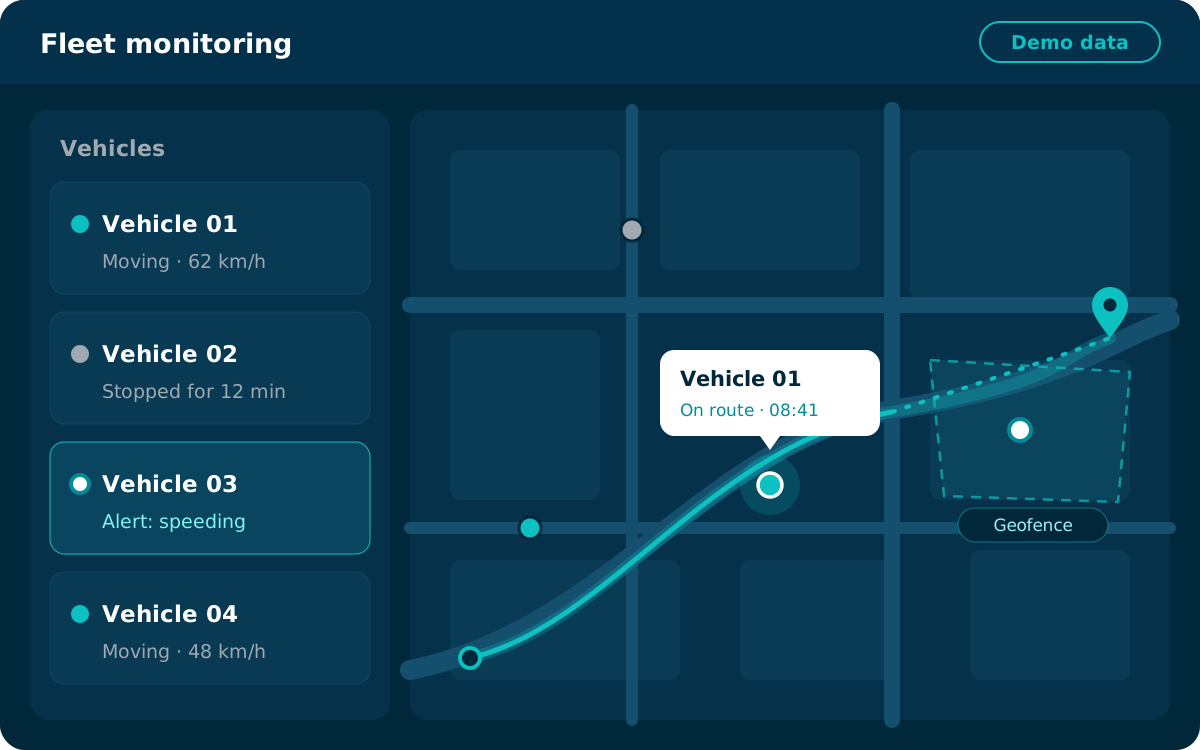
The interface shown is illustrative and does not display real data.
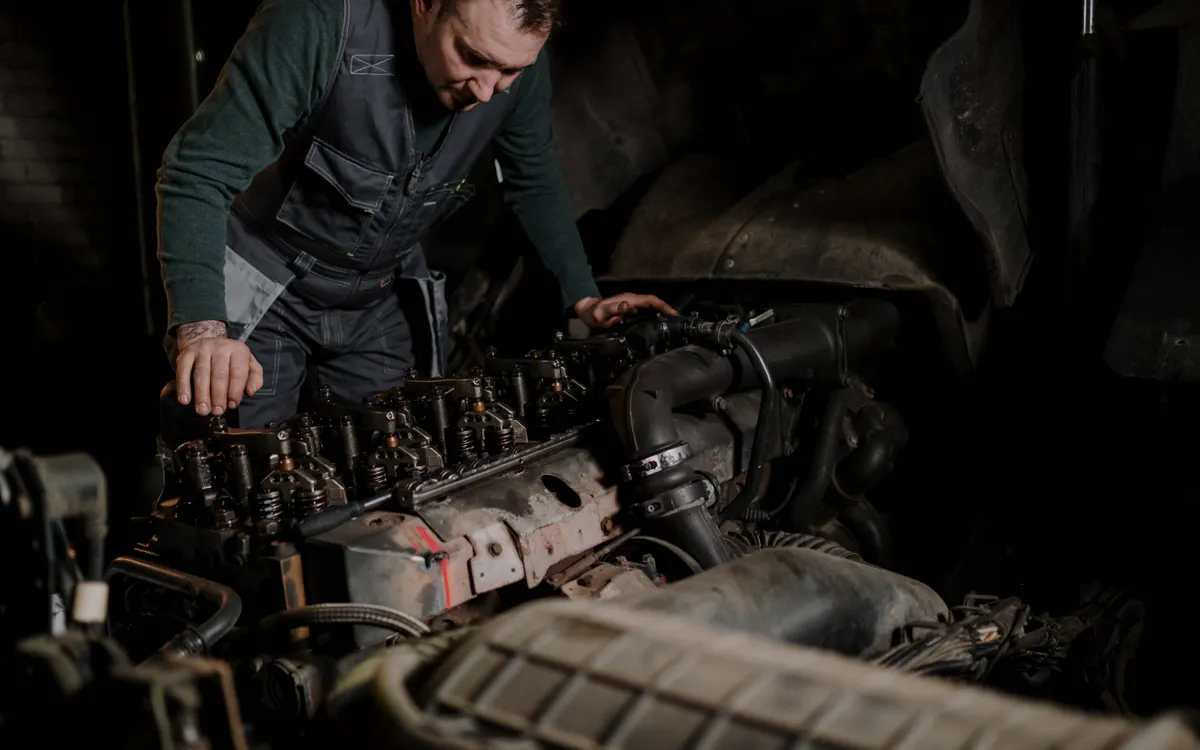
The challenges of managing a fleet without organised monitoring
When vehicles are managed without organised monitoring tools, the same challenges tend to recur in daily operations.
Scattered vehicle data
When locations, trips and available data are hard to bring together in one place, daily monitoring becomes more complicated.
Delayed maintenance
Without an organised maintenance record or follow-up on due dates, required maintenance is more likely to be missed.
Limited visibility of operating costs
Teams may need to review fuel consumption, operating hours and the available data to better understand operating conditions.
Harder to follow a large fleet
The more vehicles and tasks there are, the more important clear monitoring and reporting procedures become.
How fleet management and maintenance works
Clear steps, from equipping your vehicles to organising maintenance.
Equip the vehicles
Select the trackers and accessories that suit each vehicle and your operational needs.
Collect the available data
Receive location and trip information, plus vehicle or compatible sensor data depending on the equipment installed.
Follow status and reports
Review the data, alerts and operating records available on the platform.
Organise maintenance and act
Use the information available to organise maintenance work and review each vehicle’s needs.
The data available depends on how each vehicle is equipped, the platform and its configuration; faults are not diagnosed automatically unless the platform in use supports it.
Clearer operational visibility of your fleet
Capabilities that support daily monitoring; they depend on hardware, vehicle compatibility, the platform and configuration.
Vehicle location tracking
Review vehicle locations and movement based on the data sent by the tracking device.
Trip history
Look back at past trips where their records are available.
Engine hours
Review operating hours when the device and vehicle support this data.
Fuel consumption data
Follow fuel readings or consumption when CAN Bus data or a suitable sensor is available.
Operational alerts
Use the alerts supported by the device, the platform and your system settings.
Fleet reports
Review the reports available to support daily operational monitoring.
Organise maintenance before it becomes an operational burden
Practical maintenance-management capabilities that help you organise and follow up the work, without relying on promises of unsupported automation.
- Organise periodic maintenance schedules.
- Record and review maintenance dates.
- Follow engine hours or distance travelled when the data is available.
- Set up maintenance reminders or alerts if the platform supports them.
- Review the maintenance history available for each vehicle.
- Help improve coordination between operations and maintenance.
Please note: the exact workflow depends on the platform used and on the maintenance data entered or collected from vehicles and devices.
From vehicle monitoring to organised maintenance
Clear stages that connect vehicle monitoring with organised maintenance, following your own maintenance process.
01 — Follow vehicle indicators
Review the location and operating data available.
02 — Identify maintenance needs
Review the schedule, alert or vehicle record according to your system settings.
03 — Organise maintenance work
Coordinate the appointment and required action according to your own maintenance process.
04 — Update records and follow up
Document maintenance work and review vehicle status based on the data available.
The system helps you organise and follow up maintenance; it does not replace technical inspection or guarantee that breakdowns will be prevented.
Connect fleet monitoring with the vehicle data available
Fleet monitoring works with the vehicle data available to give you a fuller picture of operations.
GPS/GNSS location
Vehicle position and movement via satellite navigation.
Trip history
Past trips, where their records are available.
Engine hours
Where provided by the device or vehicle.
Odometer readings
Where supported.
Fuel level and consumption
Through compatible CAN Bus data or a suitable tank sensor.
CAN Bus vehicle data
Selected readings where the vehicle and device are compatible.
Temperature and door sensors
Where suitable sensors are installed.
Cameras and video telematics
Where supported by the devices and setup.
Please note: not all vehicles provide the same data. Availability depends on the make, model year and vehicle network, as well as the tracker, adapter, sensor and configuration used.
Optional Odoo integration
Odoo is a separate business management system, not a mandatory part of vehicle tracking.
Passing fleet data to Odoo
The integration can pass selected fleet data to Odoo for business-management workflows, where the systems and API configuration support it.
An optional, one-way integration, scoped to your organisation’s needs.
Solutions that fit your fleet and your business
We choose devices and settings to suit your vehicles and the way each business operates.
Transport & logistics companies
Follow trucks and trips, and organise maintenance for vehicles that cover long distances.
Delivery & distribution companies
Clearer visibility of daily delivery vehicles, with maintenance organised around heavy use.
Contracting & heavy equipment
Follow equipment locations and operating hours to organise maintenance across projects.
Corporate & field service fleets
Organise how staff and field-team vehicles are used, and keep track of their maintenance dates.
Refrigerated transport & cold chain
Follow vehicles and compatible temperature sensors alongside organised vehicle maintenance.
Organisations with many operational vehicles
An organised record of vehicle use and maintenance to support planning and follow-up.
Connected solutions to support your fleet management
An approach that brings devices, platform, data and support together around your fleet’s needs.
Understanding your fleet
Help understanding your fleet and its needs before choosing a solution.
Suitable devices and accessories
Trackers and accessories chosen to suit your vehicles.
Platform setup
The platform, reports and supported alerts set up for you.
Connecting compatible data
Compatible vehicle and sensor data connected to the platform.
Technical support
Support within the agreed scope of service.
Fleet management & maintenance FAQs
Short answers to common questions about fleet management and maintenance.
What is the difference between vehicle tracking and fleet management?
Vehicle tracking focuses on where a vehicle is, the route it takes and its trip history. Fleet management is broader: it combines tracking data with information such as maintenance, operating hours, fuel consumption and reports to organise how vehicles operate as a whole.
Can maintenance dates be tracked?
Yes. On platforms that support maintenance management, periodic maintenance dates can be recorded and reviewed, with reminders where this feature is available. Accuracy depends on the data entered or collected.
Can engine hours be used to organise maintenance?
Yes, when the device or vehicle provides engine-hour data and the platform supports scheduling maintenance on that basis. For heavy equipment, operating hours are often a suitable basis for maintenance planning.
Can fuel consumption be monitored?
In many cases, yes: through fuel data from the vehicle network (CAN Bus) where the vehicle supports it, or through a compatible fuel-tank sensor. Accuracy varies with the data source and the vehicle.
Can vehicle data be read via CAN Bus?
Yes, on vehicles that make their data available over the CAN Bus, using a tracker that supports it, sometimes with a suitable adapter. The data available depends on the vehicle, its model year, the device and the configuration.
Is the same data available on every vehicle?
No. The data available varies with the manufacturer, model and model year, the devices and sensors installed, and how data is collected and the platform configured. That is why we recommend reviewing your vehicles before installation.
Can the fleet system be connected to Odoo?
Yes, as an optional add-on. The integration is one-way, from the fleet/tracking system to Odoo through an API, passing selected data where the systems and settings support it. Its scope is defined around your organisation’s needs.
Start managing and maintaining your fleet more smartly
Explore the options that fit your vehicles and your organisation’s operating and maintenance needs.